Instantly Alternative Guide - Pricing, Deliverability, and Best Fit by Use Case
Adrian NguyenJuly 9, 202612 min read
If you are searching for an instantly alternative, you are usually not just switching software, you are replacing a complete outbound system: inbox setup, warm-up, rotation, sending limits, analytics, and the real cost of scaling safely.
Key takeaways
Use a standardized rubric to compare deliverability controls, inbox rotation, and agency or workspace management apples-to-apples.
Calculate total cost of ownership by scenario (solo, team, agency) including warm-up, extra seats, workspaces, and any lead or verification add-ons.
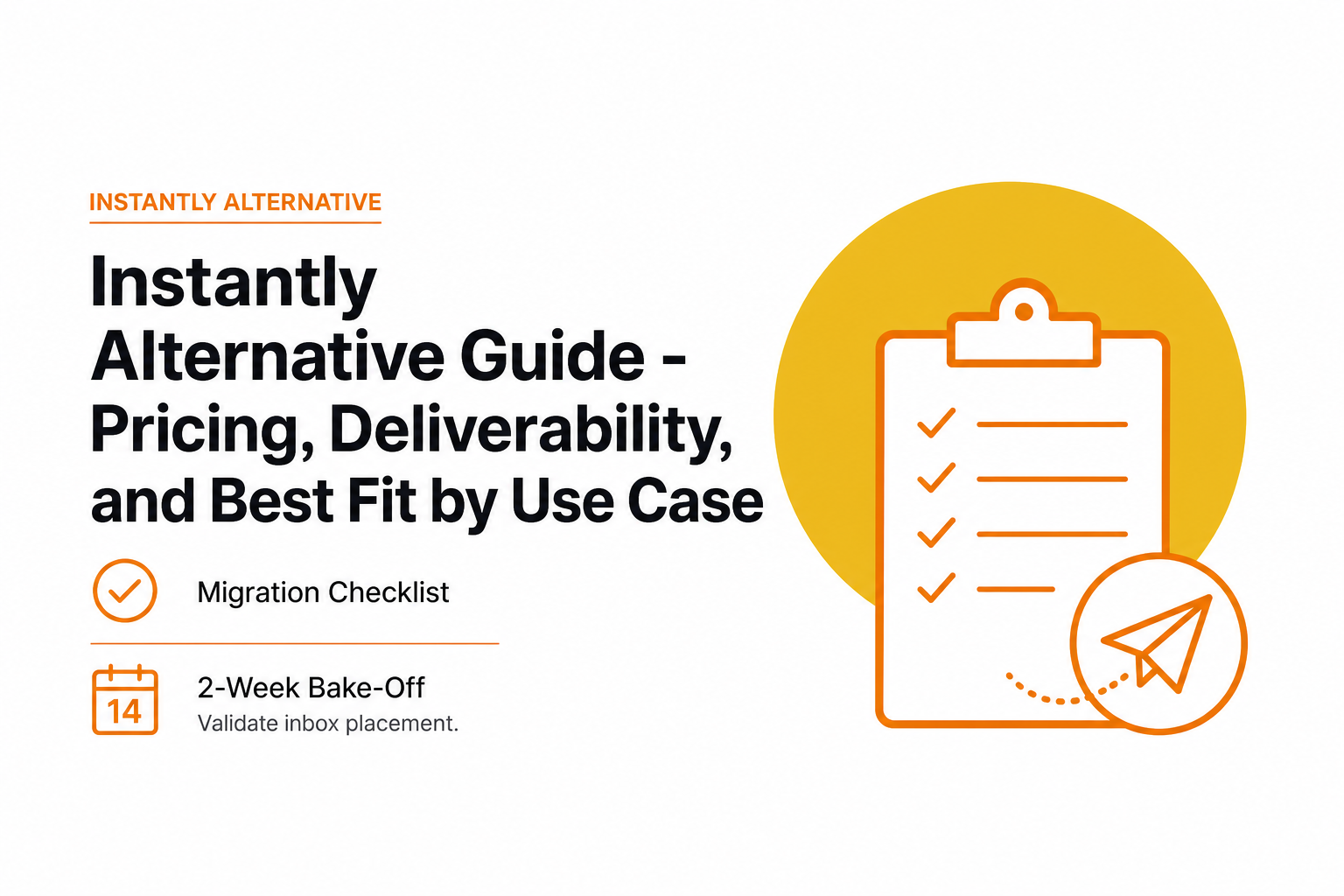
Run a 2-week bake-off with identical lists, copy, and daily limits to validate inbox placement before you fully migrate.
A rubric to evaluate deliverability controls, rotation, and total cost.
What to replace when you switch from Instantly
Before you compare tools, define the “jobs” Instantly was doing for you. Most teams underestimate this and end up with a cheaper plan that quietly increases risk (spam placement, domain damage) or adds hidden work (manual rotation, manual throttling, scattered warm-up tools).
Non-negotiables checklist for deliverability and scale
Domain authentication visibility: You need clear status for SPF, DKIM, and DMARC. If you cannot quickly confirm these are correct, you will debug deliverability too late.
Inbox rotation and daily caps: Ability to spread volume across multiple inboxes and enforce per-inbox limits. A practical starting point for many B2B cold email programs is 20 to 40 new cold emails per inbox per day while you stabilize reputation, then increase only if complaint and bounce rates stay low.
Warm-up that you can control: Warm-up should be pausable and adjustable per inbox, especially when you launch a new sequence or see a deliverability dip.
Bounce and complaint guardrails: You want auto-pauses or at least clear alerts if bounces spike. As a general reference, Google Postmaster Tools focuses heavily on spam rates; many teams treat 0.1% spam complaint rate as a hard ceiling.
Sequence logic: Multi-step follow-ups, reply detection, and stop rules. The biggest “silent deliverability killer” is continuing to send follow-ups to people who already replied.
Team and client structure: If you run multiple brands or clients, you need workspaces, permissions, and clean separation of domains and sending identities.
Reporting you actually use: At minimum, open and reply trends by inbox and by campaign, plus deliverability signals you can act on. If you want a framework, use email analytics that separates deliverability health, campaign engagement, and pipeline outcomes.
A simple “replacement map” you can copy into your notes
Setup: Domains + DNS validation (SPF/DKIM/DMARC) + inbox connections
Instantly alternative shortlist with a standardized feature rubric
Below is a practical shortlist plus a rubric you can use to score each option consistently. The goal is not “most features.” The goal is: can this instantly alternative keep your domains healthy while you scale volume, seats, and clients.
The rubric (score each 1 to 5)
Deliverability controls: DNS checks, inbox placement signals, content checks, bounce or complaint alerting
Warm-up quality and control: per-inbox settings, pause/resume, ramp schedules
Rotation and throttling: per-inbox caps, account-level caps, time windows, safety limits
Team and agency readiness: workspaces, permissions, client separation, billing structure
Workflow fit: CSV import, personalization support, integrations, webhooks or API
Support and reliability: docs quality, response time, incident history transparency
Shortlist (what each is typically best for)
Smartlead: Often chosen for teams that care a lot about inbox rotation, scaling multiple inboxes, and agency-style management.
Lemlist: Common pick when you want a blend of outbound sequences plus strong personalization workflows.
Reply.io: Often used by sales teams that want multichannel sales engagement beyond email.
Mailshake: A long-running option for straightforward outreach sequences and team collaboration.
HubSpot Sequences (or similar CRMs): Best when the CRM is the source of truth and you send lower-volume, higher-intent sequences.
How to run the comparison in 30 minutes
List your sending model: number of inboxes now, number of inboxes in 90 days, and whether you need multiple clients or brands.
Set your safety defaults: daily new emails per inbox, follow-up spacing, and stop-on-reply rules.
Score each tool with the rubric: do not guess. Verify in product docs or trial.
Write down the “dealbreaker”: for example, no true workspace separation, or warm-up is paid per inbox and becomes too expensive at scale.
If you are still selecting the broader stack, it helps to start with an email outreach platform scorecard and then apply the deliverability rubric above.
Free and freemium instantly alternatives that are actually usable
“Free” is often just a short trial, or a plan that excludes the expensive parts (warm-up, multiple inboxes, or enough contacts). A usable free or freemium instantly alternative should let you do a real pilot: connect at least one inbox, run at least one sequence, and export results.
Reality check: what “free” usually includes and excludes
Commonly excluded: warm-up at meaningful scale, multiple inbox rotation, advanced deliverability controls, client workspaces, and priority support.
Vetted “usable free” criteria (use this filter)
At least 14 days of access OR a persistent free tier
No credit card required if you want to test quickly with low friction
Inbox connection + one live sequence without paywall surprises
Clear upgrade path that does not double your cost the moment you add a second inbox
Cheapest upgrade path when free breaks (the moment you outgrow it)
Most teams outgrow free the moment they need one of these:
Inbox rotation across 3 to 10 inboxes to keep per-inbox volume safe
Warm-up for every sending inbox (if warm-up is priced per inbox, cost jumps fast)
Workspace separation for multiple brands or clients
Higher-quality deliverability reporting so you can catch issues before performance drops
Tip: if your outreach relies on automation, read a safety-first framework for cold outreach automation and make sure your free-tier test does not train you into risky sending habits.
A migration checklist and 2-week bake-off to validate inbox placement.
Cheaper than Instantly? The real monthly cost in 3 common scenarios
The sticker price is rarely the real cost. Total cost of ownership includes warm-up, extra inboxes, seats, workspaces or clients, and any lead or verification costs you add to keep bounce rates low. Use the scenarios below to estimate whether an instantly alternative is actually cheaper for your setup.
Scenario A: Solo operator (1 seat, 3 inboxes)
Baseline: 1 user, 3 sending inboxes, 1 brand
Hidden costs to check: warm-up priced per inbox, limits on number of inboxes, and whether rotation requires a higher plan
Rule of thumb: if warm-up is charged per inbox, multiply that by your target inbox count and add it to the plan price before you compare tools.
Baseline: 5 users, 30 inboxes, 5 separate clients or brands
Hidden costs to check: workspace or client fees, permissioning, and whether each client needs separate billing
Risk cost: if client separation is weak, one client’s bad list hygiene can impact other domains if you misconfigure shared resources.
A quick TCO worksheet (fill in numbers from pricing pages)
Plan price: $____ / month
Seats: $____ per seat x ____ seats = $____
Inboxes: included ____; extra ____ x $____ = $____
Warm-up: $____ per inbox x ____ inboxes = $____
Workspaces/clients: $____ each x ____ = $____
Lead verification: $____ (optional but recommended to reduce hard bounces)
Total monthly: $____
To keep this grounded in deliverability, monitor your bounce rate and spam complaints. Many teams aim for hard bounces well under 2% and treat complaint spikes as an immediate pause-and-investigate event. For deliverability fundamentals, see email deliverability explained plainly.
Instantly vs Smartlead comparison for deliverability and scaling
If you are choosing between Instantly and Smartlead, decide based on your scaling model: number of inboxes, how much you rely on rotation, and whether you need agency-grade workspace separation. This section is not about who is “best,” it is about which is the safer fit for your constraints.
Decision criteria that actually matter
Warm-up economics: Does warm-up pricing scale linearly with inbox count? If you plan to run 20 to 50 inboxes, small per-inbox fees become the main cost driver.
Rotation controls: Can you enforce per-inbox caps and distribute sends predictably? Rotation is only helpful if it is paired with strict throttling.
Client/workspace handling: If you run multiple brands, can you isolate assets, permissions, and reporting cleanly?
Safety limits: Look for easy-to-set daily limits, sending windows, and stop rules.
Support and debugging: When something breaks, you want fast answers because deliverability issues compound daily.
Who should pick which (practical guidance)
Pick Instantly if your team is already productive in it, your inbox count is stable, and the current pricing is predictable for your next 90 days.
Pick Smartlead if you expect to scale inboxes aggressively, need more robust agency-style management, or want stronger control surfaces for rotation and limits.
How to settle it with a 7-day pilot
Use the same sender domains and the same number of inboxes in both tools.
Use the same copy and schedule. Do not “improve” one side.
Cap new emails per inbox per day at the same number (for example, 25).
Compare: bounce rate, replies, and any spam or deliverability warnings.
Fast migration checklist plus a 2-week deliverability bake-off
Switching tools can improve performance, but it can also reset your process. The safest approach is a controlled migration: keep volume low, validate DNS, warm up properly, and only then scale. This is where a good instantly alternative proves its value.
Migration checklist (copy and run)
Inventory: export campaigns, templates, lead lists, unsubscribe lists, and sending inboxes.
DNS verification: confirm SPF, DKIM, and DMARC are correct before sending. If you need a standard reference on authentication, review DMARC.org.
Inbox connection: connect inboxes via OAuth where possible, and document which inbox belongs to which domain and purpose.
Warm-up plan: start warm-up for every inbox you will send from. If you are unsure whether you need it, use a simple email warmup decision framework.
Safety defaults: set daily caps, sending windows, and stop-on-reply rules globally.
List hygiene: verify emails and remove risky segments to keep hard bounces low.
Tracking discipline: keep tracking settings consistent across tools so your test is fair.
The 2-week bake-off protocol (reproducible)
Week 0 (setup): finalize DNS, connect inboxes, run warm-up, and prepare two identical lead samples of at least 200 contacts each.
Week 1 (low volume): send 15 to 25 new emails per inbox per day. Track bounces daily. Pause any inbox that spikes.
Week 2 (controlled scale): increase by 10 to 20% only if bounces and complaints remain stable.
Scorecard: inbox placement signals (if available), bounce rate, reply rate, and time spent managing issues.
Pass/fail thresholds you can use
Hard bounce rate: investigate immediately if you approach 2% on a fresh list.
Spam complaints: treat 0.1% as a hard ceiling and pause if you get close.
Inbox health trend: if performance deteriorates as you add volume, your rotation and warm-up controls are not sufficient.
Criterion
What to verify
Why it matters
Pass signal
DNS readiness
SPF, DKIM, DMARC status is visible and correct
Authentication errors can tank deliverability quickly
All records pass before first send
Warm-up control
Per-inbox warm-up with pause and ramp settings
Lets you stabilize reputation while testing copy and lists
Warm-up runs for every sending inbox
Rotation and caps
Per-inbox daily limits and predictable distribution
Prevents one inbox from taking too much volume
Consistent sends per inbox within caps
Guardrails
Alerts or auto-pauses for bounce spikes
Stops damage before it compounds
Issues are flagged within 24 hours
Agency readiness
Workspaces, permissions, client separation
Prevents cross-client mistakes and reporting confusion
Clear separation without workarounds
FAQ
How many inboxes do I need when choosing an instantly alternative?
Start from your safe daily cap per inbox, then back into the inbox count. Example: if you want to send 500 new cold emails per day and you cap at 25 per inbox, you need about 20 inboxes. Choose a tool where inbox rotation and warm-up costs still make sense at that number.
What is the biggest hidden cost when switching from Instantly?
Warm-up and scaling overhead. If warm-up is priced per inbox, the cost can exceed the base plan once you run 10 to 30 inboxes. Also check workspace or client fees if you manage multiple brands.
Do I need warm-up if my domain is already established?
Often yes, because cold outbound volume patterns can differ from normal business email. Warm-up is most useful when you add new inboxes, increase volume, or change sending behavior. If you are unsure, decide based on recent sending history, bounce rates, and whether you are ramping volume.
How do I know the new tool improved deliverability, not just copy or list quality?
Run a controlled bake-off: same list sourcing method, same copy, same sending schedule, and the same daily caps. Compare bounce rate, reply rate, and any deliverability warnings over at least 2 weeks.
If your main reason for switching is protecting domain reputation while scaling, Outbound Glow can help you validate SPF, DKIM, and DMARC, monitor inbox health in near real time, and run automated warm-up so you can scale campaigns with tighter guardrails and less manual babysitting. For plan details, see Outbound Glow pricing.
Adrian Nguyen
Adrian Nguyen is an expert on automation, SEO and AI fields.
Let's help his spread the words.