Domain Health Check for Cold Email, A Weekly Scorecard That Catches Trouble Early
Adrian NguyenJune 28, 202613 min read
If your cold emails suddenly stop getting replies, the problem usually started weeks earlier in your domain health check signals: bounces creep up, spam complaints spike, or authentication drifts. This guide gives you a practitioner-grade weekly system to catch deliverability risk early, interpret combined signals correctly, and apply a fix-first playbook that protects pipeline before it drops.
Key takeaways
A reliable domain health check is a weekly scorecard of leading indicators (bounces, complaints, authentication, blacklist checks), not just “open rate looks fine.”
Use thresholds and combinations of metrics to avoid false positives, then pause or reduce volume before reputation damage compounds.
When a metric goes red, fix the highest-leverage root cause first (list quality, DNS auth, volume, content patterns), then re-ramp safely.
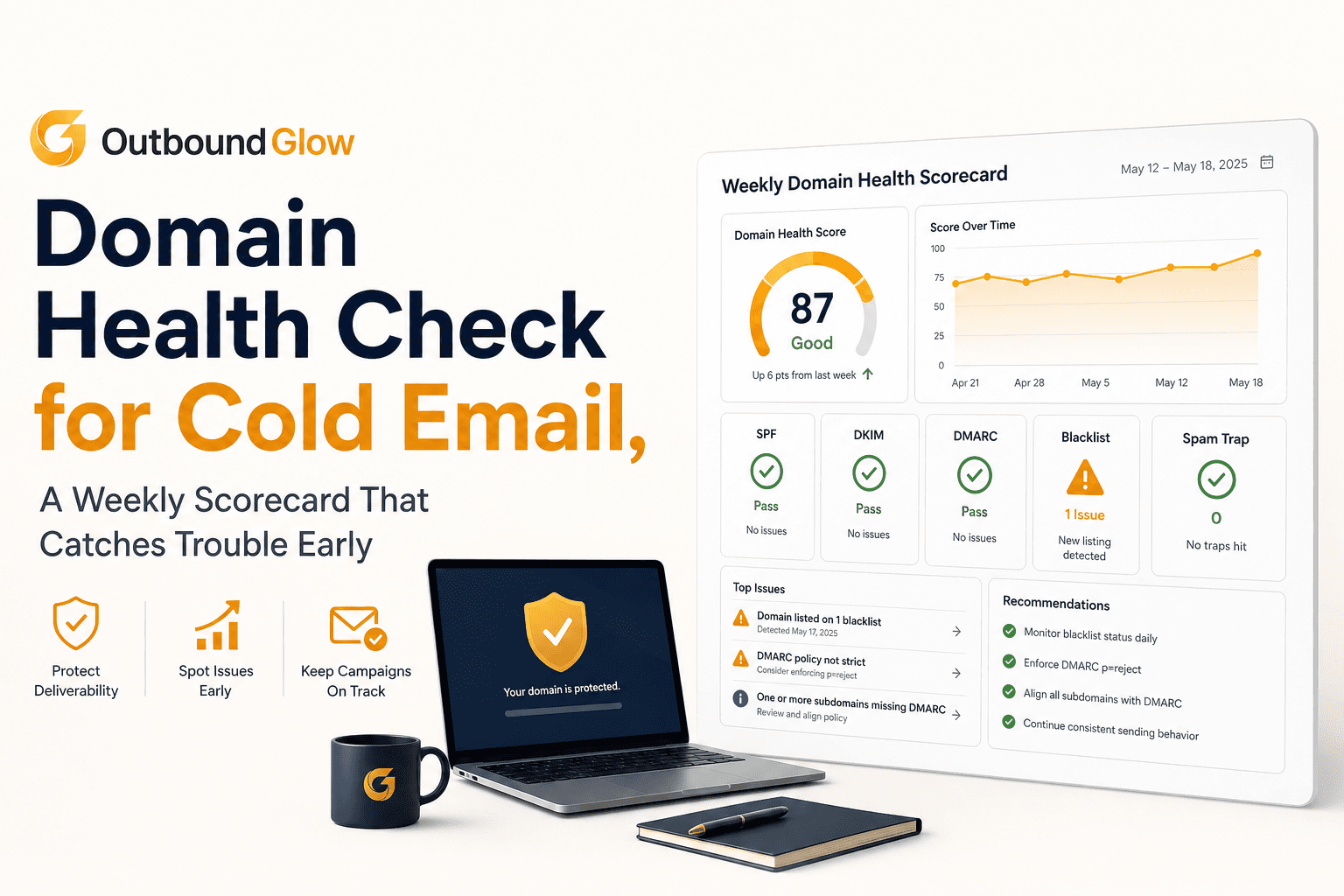
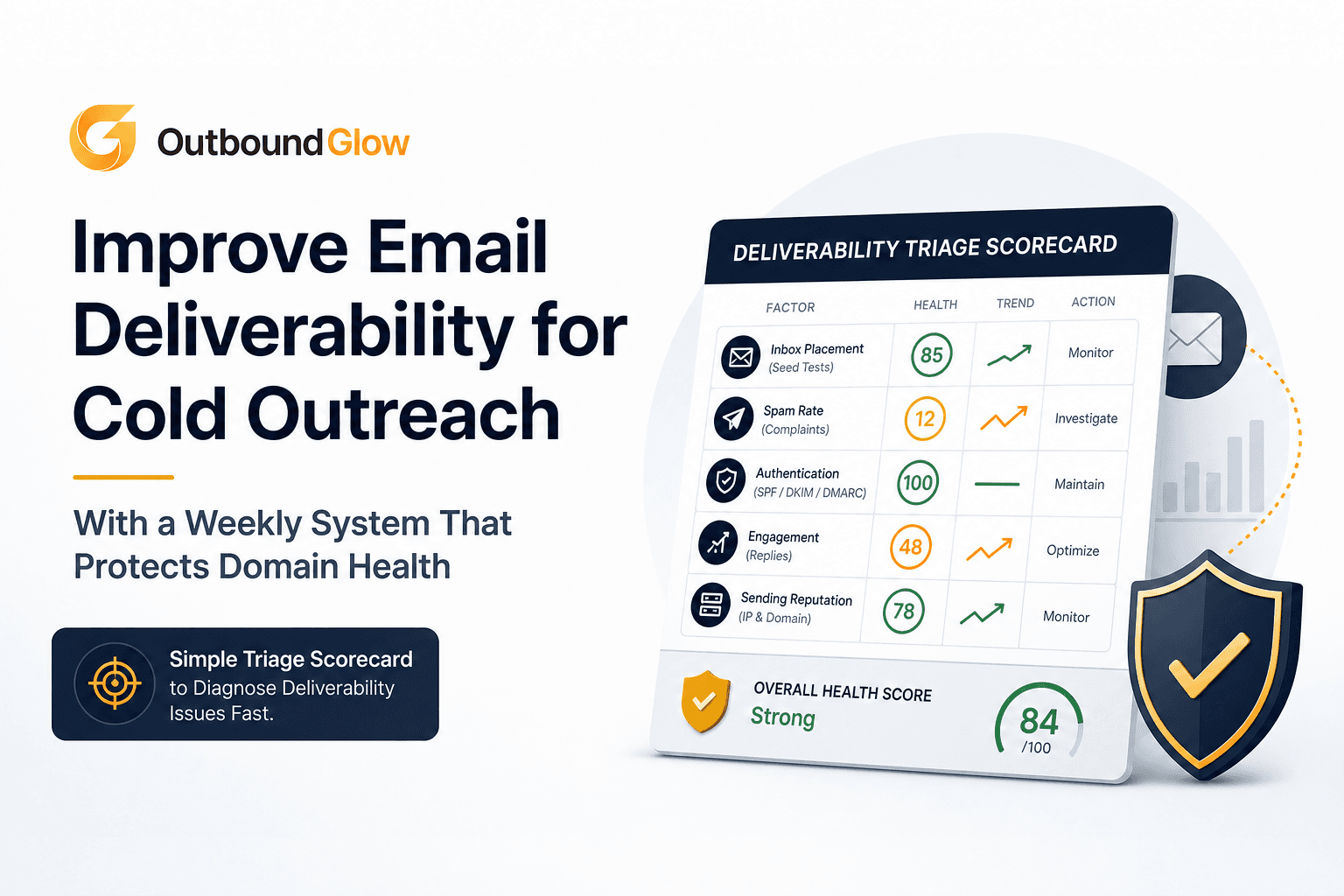
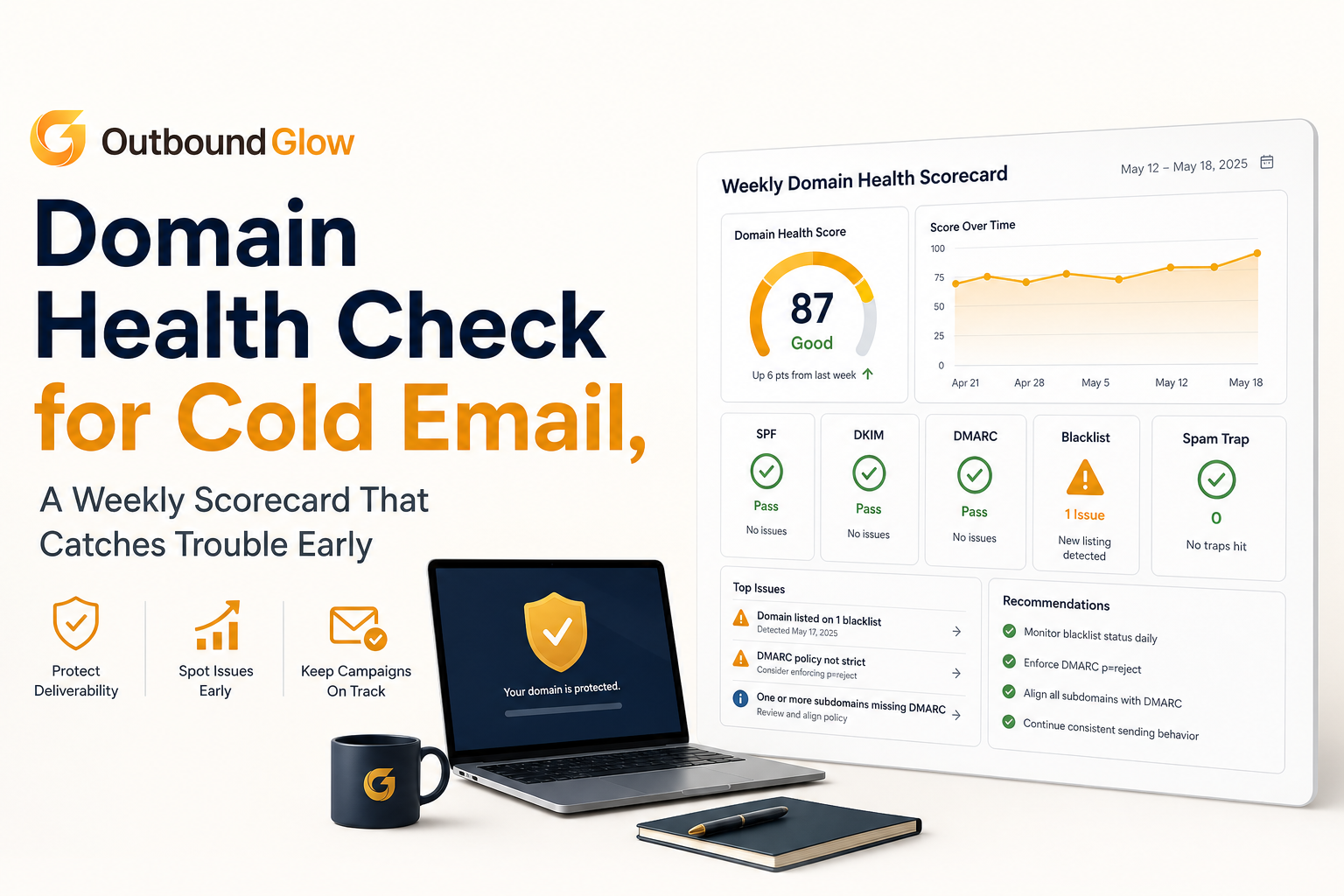
A weekly domain health scorecard view for cold email teams.
What a domain health check should include (and what most teams miss)
A cold email domain health check should answer one question: “Are we accumulating reputation risk faster than we can recover it?” To do that, you need checks that are (1) leading indicators, (2) attributable to a cause, and (3) actionable within a week.
Minimum viable checks (the non-negotiables)
Authentication alignment: SPF passes, DKIM passes, DMARC policy and alignment are correct for the domain you send from.
Bounce quality: hard bounce rate and the share of “bad” bounces (user unknown, invalid mailbox, domain not found).
Spam complaint rate: ideally from your ESP or Google Postmaster Tools if you are on Google Workspace.
Blocklist exposure: domain and sending IP checks on major public lists.
Volume and cadence: daily sends per mailbox, ramp rate, and sudden spikes.
What most teams miss (the early-warning signals)
Most teams check SPF/DKIM once, see “pass,” and move on. The problems that quietly degrade deliverability are usually operational:
List decay: a list that was “verified” once can still age out quickly. Job changes and role-based inboxes create a slow rise in hard bounces.
Reply-driven bias: you keep emailing segments that never reply, which pushes engagement signals down over time even if bounces are stable.
Hidden authentication drift: a DNS change, a new sending service, or a subdomain misconfiguration breaks alignment even though “SPF exists.”
Content fingerprints: repeated templates, aggressive links, or attachment patterns that trigger filtering even when metrics look normal.
Common false positives (don’t overreact to these alone)
A good domain health check avoids knee-jerk changes based on a single noisy metric. Watch for these false positives:
Open rate drops: privacy features (especially Apple Mail Privacy Protection) make opens unreliable. Use opens only as a directional signal, not a trigger.
One-day bounce spikes: a temporary receiving server issue can inflate bounces for a day. Confirm it persists across 2 send days before declaring “red.”
Blacklist checks without symptoms: some lists have low impact. Treat blocklists as “investigate,” but prioritize complaint and bounce signals.
For a plain-English grounding on the mechanics behind these signals, see this explainer on email deliverability.
The weekly domain health check scorecard for cold email
This scorecard is designed to run every week (and optionally mid-week for high-volume teams). The goal is consistency: same metrics, same thresholds, same decisions. Below are practical benchmarks widely used by cold email operators and deliverability teams. Treat them as starting points and tighten them as your volume grows.
Scorecard metrics and thresholds
Track these per sending domain and per mailbox group. If you only track “account-wide,” you can miss one mailbox poisoning the rest.
Hard bounce rate (weekly):
Green: < 1.0%
Yellow: 1.0% to 2.0%
Red: > 2.0%
Spam complaint rate (weekly, where available):
Green: < 0.1%
Yellow: 0.1% to 0.3%
Red: > 0.3%
Unsubscribe rate (weekly):
Green: < 0.5%
Yellow: 0.5% to 1.0%
Red: > 1.0%
Authentication status (spot check weekly, deep check monthly):
Green: SPF, DKIM pass; DMARC present with alignment
Yellow: DMARC missing or misaligned
Red: SPF or DKIM failing for the actual sending stream
Blocklist hits (weekly):
Green: none
Yellow: listed on low-impact list, no other symptoms
Red: listed on major list or listed plus rising bounces/complaints
How to interpret combined signals (the part that prevents bad decisions)
The best domain health check decisions come from combinations:
Hard bounces up + complaints flat usually means list quality or verification drift. Fix list sourcing and verification before touching copy.
Complaints up + unsubscribes up usually means targeting mismatch or message framing. Reduce volume and tighten ICP filters.
Authentication red overrides everything. If SPF/DKIM/DMARC is wrong, you can have “good” engagement and still land in spam.
Blocklist hit + anything yellow means pause escalations. Do not scale volume until you clear root cause.
If you want to standardize terminology across the team, this guide to bounce rate definition helps you distinguish hard vs soft bounces and what each implies operationally.
Weekly workflow (15 to 25 minutes)
Pull last 7 days by domain and mailbox: sends, hard bounces, soft bounces, complaints, unsubscribes, replies.
Run DNS authentication checks (SPF, DKIM, DMARC) for the sending domain and any subdomains used.
Check blocklists for domain and sending IPs (if dedicated). Document the list name and listing date.
Score each metric green/yellow/red and write one sentence of “why” for any non-green.
Decide action: continue, reduce volume, pause mailbox, or pause domain-wide and remediate.
When your score drops, here’s the fix-first playbook
When a domain health check goes yellow or red, the fastest recoveries come from doing the highest-leverage fix first. The mistake is changing five variables at once: new copy, new list, new sending schedule, new domains. Instead, use this priority order based on what failed.
1) If hard bounces are red, fix list quality before anything else
Goal: get hard bounces back under 1% within 1 to 2 send cycles.
Pause the worst mailbox or segment: find the mailbox or campaign with the highest hard-bounce share and pause it first.
Audit bounce reasons: “user unknown,” “no such mailbox,” and “domain not found” point to bad data. “Mailbox full” is often temporary.
Re-verify leads close to send time: if your process verifies once at import, switch to verifying within 24 to 72 hours of launch for cold lists.
Remove risky patterns: role-based addresses (info@, sales@), catch-all domains without strong enrichment, and stale lists older than 60 to 90 days.
Reduce daily send per mailbox for 3 to 5 business days while you clean the list, then re-ramp gradually.
Operational note: if you do not have a consistent verification step, your “domain health check” becomes reactive. You only notice after damage. Build verification into the workflow, not as a one-time cleanup.
2) If spam complaints are yellow/red, fix targeting and volume first, then messaging
Goal: get complaints under 0.1% and stop reputation bleed.
Immediately cut volume 30% to 50% (or pause the campaign) for 48 to 72 hours. Reputation damage compounds with continued sending.
Tighten ICP filters: remove broad job titles, exclude irrelevant industries, and prioritize segments with prior positive replies.
Rewrite the first email for clarity: one clear reason you are reaching out, one specific value, one low-friction CTA. Avoid hype, vague “quick chat,” and aggressive claims.
Remove risky elements: multiple links, link shorteners, heavy HTML, attachments, and tracking pixels where possible.
Add an easy opt-out line: this often reduces complaints even if unsubscribes rise slightly. Complaints are far more damaging than unsubscribes.
If you are unsure whether your sending patterns are safe, start with a structured email warmup plan and avoid large ramp jumps.
3) If SPF/DKIM/DMARC is failing, treat it as a stop-the-line incident
Goal: restore authentication pass and alignment, then re-ramp carefully.
Identify the actual sending source: Google Workspace, Microsoft 365, an SMTP relay, or a sending service. SPF must include the real sender.
Fix SPF correctly: one SPF TXT record only. If you have multiple, merge them. Keep within the 10 DNS lookup limit.
Validate DKIM: confirm the selector exists in DNS and the sending service is signing. Rotate keys if needed.
Publish DMARC: start with p=none if you are new, but ensure alignment. Over time, consider tightening policy as you mature.
Re-test after DNS propagation and send a small batch to engaged internal recipients before resuming normal volume.
Reference standard alignment concepts in the DMARC ecosystem from DMARC.org if you need to confirm terminology and policy behavior.
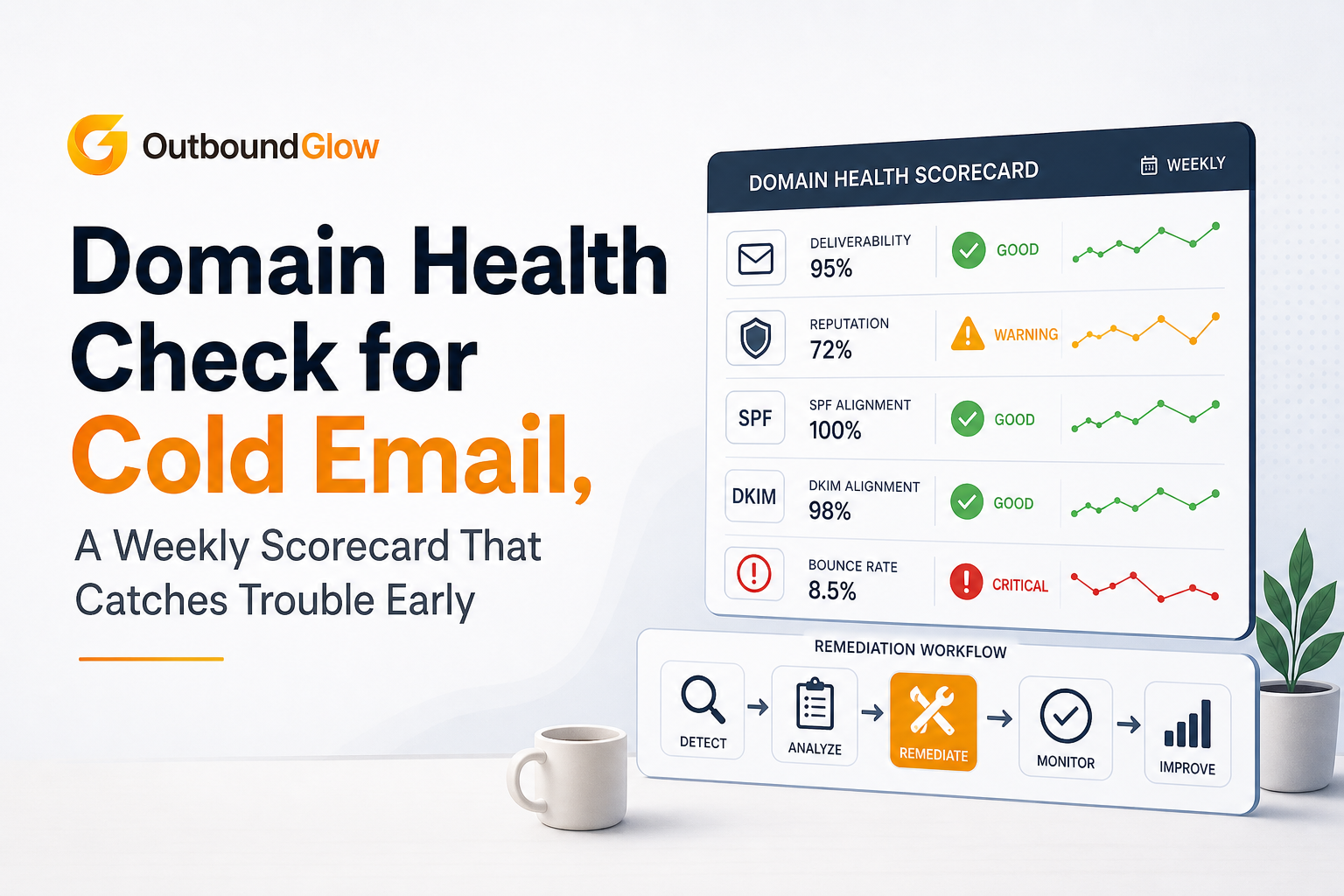
Remediation workflow when domain health metrics turn yellow or red.
A simple weekly scorecard table you can copy and use
Use the table below as your weekly domain health check sheet. The “Action” column is intentionally specific, so the team does not debate what to do when a metric goes yellow.
Metric
Green
Yellow
Red
Primary likely cause
Fix-first action
Hard bounce rate
< 1.0%
1.0% to 2.0%
> 2.0%
List quality, stale data, verification drift
Pause worst segment, re-verify within 72 hours of send, remove role-based and stale leads
Spam complaint rate
< 0.1%
0.1% to 0.3%
> 0.3%
Targeting mismatch, copy triggers, too much volume
Cut volume 30% to 50%, tighten ICP filters, simplify copy and remove risky links
Unsubscribe rate
< 0.5%
0.5% to 1.0%
> 1.0%
Weak relevance, frequency too high
Segment more tightly, reduce follow-ups, make CTA smaller
SPF/DKIM/DMARC
All pass and align
DMARC missing/misaligned
SPF or DKIM failing
DNS misconfig, new sender not included, selector issues
Stop scaling, fix DNS, re-test, then re-ramp slowly
Blocklist status
Not listed
Listed low-impact, no symptoms
Listed major or listed plus other yellows
Reputation damage from bounces/complaints
Pause or reduce volume, fix root cause, request delisting if applicable
How to keep this from becoming a monthly fire drill
A domain health check works only if it is lightweight enough to happen weekly and strict enough to trigger action. Three operating rules help:
One owner, one cadence: assign a single person to publish the scorecard every week at the same time.
Pre-commit decisions: define “yellow actions” and “red actions” in advance so you do not debate while reputation is degrading.
Close the loop with analytics: after remediation, compare week-over-week trends for bounces, complaints, and replies to confirm recovery.
If your team is automating sequences and wants a safer operating model, this guide on cold outreach automation pairs well with the scorecard above. For measurement discipline, see email analytics.
For the broader system that this weekly routine supports, read the main guide on cold email automation here: Cold Email Automation.
FAQ
How often should I run a domain health check for cold email?
Weekly is the minimum that catches issues early. If you send daily at moderate to high volume, add a mid-week mini-check focused on bounces, complaints, and authentication status.
What is the fastest indicator that deliverability is getting worse?
Rising hard bounces and spam complaints are the fastest reliable indicators. Open rate is often delayed or noisy, so treat it as supportive context, not the trigger.
Should I pause sending if one metric turns yellow?
Not always. Yellow typically means reduce volume and isolate the cause (for example, pause the worst mailbox or segment). Red usually warrants a pause or a sharp reduction until the root cause is fixed.
Can I recover domain reputation after a bad week?
Often, yes. If you stop the cause quickly (bad list, authentication failure, overly aggressive volume) and re-ramp carefully, many teams see stabilization within 1 to 3 weeks depending on severity.
If you want this weekly domain health check to run with fewer manual steps, Outbound Glow is built to automate cold email campaigns while monitoring key deliverability guardrails like bounce and complaint signals, verifying DNS setup, and pausing campaigns before damage compounds. When you are ready, you can set up a safer outbound cadence and keep your domain health check routine consistent without living in spreadsheets.
Adrian Nguyen
Adrian Nguyen is an expert on automation, SEO and AI fields.
Let's help his spread the words.