
Bounce Rate Definition in Cold Email Plus the Only Breakdown That Matters
Bounce rate definition for cold email, hard vs soft bounces, benchmarks, and a triage framework to fix list, domain, or sending issues.
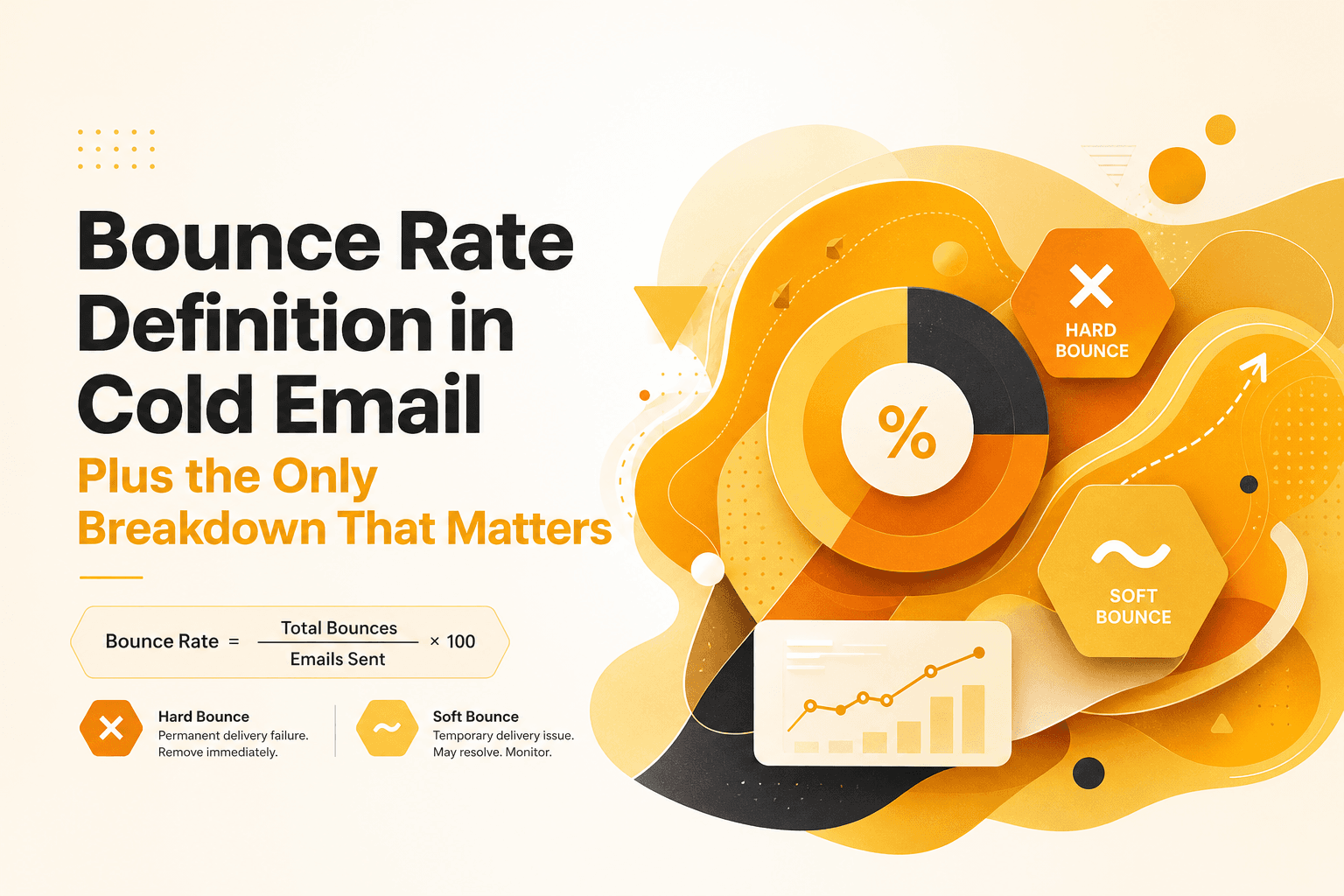
You launch a cold email campaign, the copy looks solid, and the targeting feels right, then the dashboard hits you with bounces. Suddenly you are worrying about domain reputation, inbox placement, and whether you should pause sends. The tricky part is that the bounce rate definition for cold email is not the same as what marketers mean in website analytics, and misreading it can lead you to “fix” the wrong thing. This guide breaks down the bounce rate definition for outbound email, shows what hard vs soft bounces actually signal, and gives you a practical triage framework to diagnose list quality, authentication, or sending behavior before you scale.
- Cold email bounce rate is a deliverability health metric, not an engagement metric, and it can damage your sender reputation fast.
- Hard bounces usually point to list quality issues; soft bounces often point to temporary mailbox, policy, or throttling problems.
- Use a simple triage flow to isolate whether bounces come from your list, your domain setup, or your sending behavior before increasing volume.
What is bounce rate definition
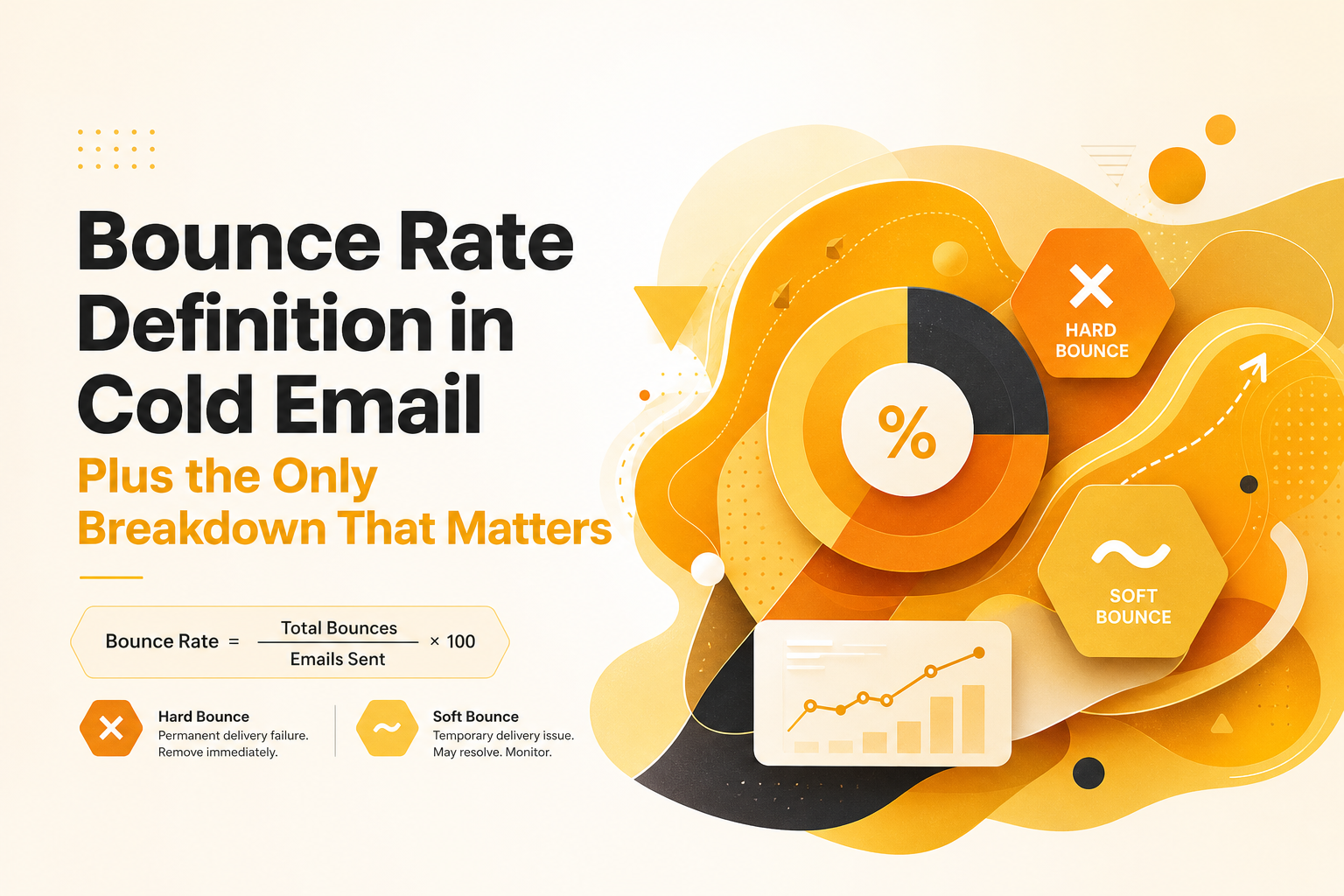
Bounce rate definition is the percentage of emails you send that cannot be delivered and “bounce” back from the recipient’s mail server. It is calculated as: (bounced emails ÷ emails sent) × 100. In cold email, this metric is closely tied to sender reputation because mailbox providers treat repeated delivery failures as a sign of poor list hygiene or risky sending.
One important nuance: the bounce rate definition for cold email is about delivery failure, not whether someone read or replied. That is why it is more similar to an infrastructure and data quality metric than a performance metric like opens. If you want the web analytics meaning, see bounce rate meaning.
Internal link: If you are actively sending outbound, it also helps to understand how deliverability guardrails work. Explore Outbound Glow’s deliverability overview here: Cold Email Deliverability.
How bounce rate definition works in practice
The bounce rate definition becomes useful only when you treat it as a diagnostic signal. Here is a practical step-by-step way to interpret it during a campaign.
- Separate bounces by type (hard vs soft). A single overall percentage hides the root cause. Most ESPs or sending tools can label bounce categories.
- Look at timing. If bounces spike on the first send to a new list, think list quality. If bounces rise after you increase volume, think sending behavior or throttling.
- Read the SMTP response text. Even a short code like “550” vs “421” changes the meaning. Capture the exact reason string for patterns.
- Check concentration by domain. If 80% of bounces come from one provider (for example, Microsoft), you likely have a provider-specific policy or reputation issue.
- Take action with thresholds, not vibes. Decide in advance when you pause, clean, or throttle based on a benchmark table (included below).
Example: You send 1,000 emails and see 18 bounces. Your bounce rate definition calculation is 1.8%. If 16 of those are hard bounces with “user unknown,” your list is the issue. If 16 are soft bounces with “try again later” or “rate limited,” your sending pattern is likely the issue.
Internal link: If your goal is to keep domain health stable while scaling, it helps to pair bounce monitoring with inbox placement checks. Outbound Glow also covers this in its analytics and deliverability resources: Cold Email Outreach Analytics.
Key benefits of bounce rate definition for B2B founders
1) Protect your domain reputation before it becomes a revenue problem
Mailbox providers use delivery outcomes as a trust signal. A consistently high bounce rate definition for your sends can contribute to lower inbox placement and more filtering to spam. Watching bounces early gives you a chance to pause and fix the cause before your reply rates fall.
2) Diagnose whether you have a data problem or a deliverability problem
Founders often rewrite copy when the real issue is bad contact data. Hard bounces that cluster around “mailbox does not exist” point to list sourcing and verification gaps, not messaging. This saves you from wasting time optimizing the wrong lever.
3) Set safe scaling limits with measurable guardrails
Scaling outbound is mostly about controlling risk. When you track bounce rate definition alongside volume changes, you can create a rule like: “Increase daily sends only if hard bounces stay under X% for 7 days.” That turns scaling into a controlled experiment instead of a gamble.
4) Improve deliverability outcomes across your whole outbound engine
Bounces are not isolated. High bounces can correlate with more spam folder placement, lower open rates, and more provider throttling. Using the bounce rate definition as a weekly health metric helps you keep the rest of your pipeline stable.
Internal link: If bounces are caused by unverified contacts, improving lead quality is often the fastest fix. See how verified lead workflows reduce hard bounces: B2B Lead Generation.
Common mistakes founders make with bounce rate definition
Mistake 1: Treating all bounces as the same problem
A 2% bounce rate can be “mostly hard” or “mostly soft,” and those require different fixes. Hard bounces usually mean invalid addresses; soft bounces often mean temporary conditions like throttling or mailbox full. If you do not split them, you will chase symptoms.
Mistake 2: Scaling volume before establishing a baseline
If you double daily sends and bounces rise, you will not know whether the list got worse or your sending behavior triggered rate limits. Establish a 5 to 7 day baseline at a steady volume, then change only one variable at a time.
Mistake 3: Ignoring provider concentration
If most bounces come from one ecosystem (often Microsoft 365), it can indicate policy enforcement, greylisting, or reputation issues that do not show up at other providers. Segment results by recipient domain and adjust volume and cadence per provider.
Mistake 4: Not using SMTP reason strings to drive next steps
“550 5.1.1 user unknown” is a list hygiene problem. “421 4.7.0 rate limited” is a sending behavior problem. Copying bounce logs into a simple spreadsheet and grouping by code is often enough to reveal the real cause.
Internal link: If your bounces are tied to authentication or domain setup, start with the basics. Outbound Glow’s deliverability solution emphasizes SPF, DKIM, and DMARC validation as a first-line check: Cold Email Deliverability.
| Bounce signal | What it usually means | What to check first | Typical next action |
|---|---|---|---|
| Hard bounce (5xx) “user unknown”, “no such mailbox” | Invalid or outdated address data | Lead source, verification method, list age | Remove bounced contacts, re-verify list, switch to triple-verified leads |
| Hard bounce “domain not found”, “NXDOMAIN” | Bad domain or typo, sometimes scraped data | Company domain validity, enrichment rules | Block that source pattern, add domain validation before send |
| Soft bounce (4xx) “try again later”, “temporarily deferred” | Greylisting, temporary server deferral | Send rate, new domain reputation, warm-up status | Lower daily volume, spread sends, maintain warm-up |
| Soft bounce “rate limited”, “too many messages” | Provider throttling due to behavior or reputation | Per-domain sending limits, cadence, bursts | Throttle, randomize timing, cap per provider, monitor recovery |
| Policy bounce “blocked”, “spam policy”, “authentication required” | Authentication, content, or reputation issue | SPF/DKIM/DMARC alignment, content triggers, blacklist status | Fix DNS, adjust copy formatting, pause until reputation stabilizes |
Benchmarks to use: Many deliverability teams aim to keep hard bounces below 1% for cold outreach, and ideally closer to 0.3% to 0.8% when scaling. Spam complaint rates are often recommended below 0.1% by major providers. For background on sender guidelines, see Google’s bulk sender requirements: Gmail bulk sender guidelines.
A simple bounce-rate triage framework before you scale outbound
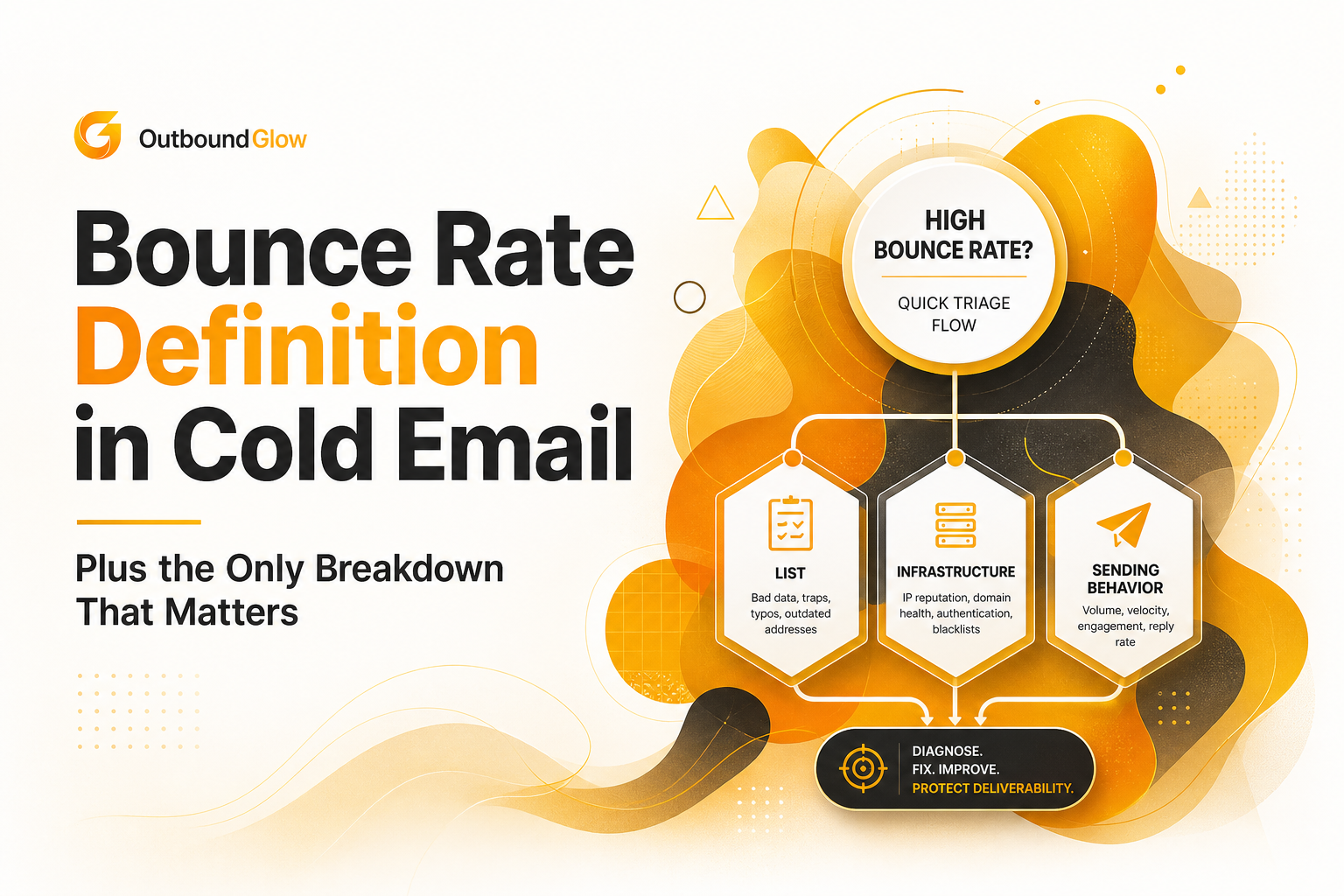
Use this 4-step framework to pinpoint whether your bounce rate definition problem is caused by list quality, infrastructure, or sending behavior. The goal is to identify the dominant cause within 30 to 60 minutes, not to boil the ocean.
Step 1: Quantify and classify
- Compute overall bounce rate: (bounces ÷ sent) × 100
- Split: hard bounce rate and soft bounce rate
- Set a stoplight:
- Green: hard bounces under 0.8%
- Yellow: 0.8% to 1.5% hard bounces, investigate before increasing volume
- Red: over 1.5% hard bounces, pause scaling and fix list or setup
Step 2: Identify the dominant pattern from SMTP reasons
Export bounce logs and group by the first meaningful reason. You are looking for the top 1 to 2 categories that explain most failures.
- If the top reason is 5.1.1 user unknown, it is a list hygiene problem.
- If the top reason is 4.7.0 rate limited, it is a sending behavior problem.
- If the top reason mentions SPF/DKIM/DMARC or “authentication,” it is an infrastructure problem.
Step 3: Run the right checks based on the category
List-quality checks (15 minutes):
- Was the list verified within the last 30 days?
- Do you see many role accounts (info@, sales@) that are more likely to be protected or invalid?
- Are bounces clustered by a single lead vendor, enrichment source, or scraping method?
Infrastructure checks (15 minutes):
- Confirm SPF passes and includes only the services you actually send from.
- Confirm DKIM is enabled and aligned for the From domain.
- Confirm DMARC exists (even a monitoring policy is better than none) and alignment is correct.
Sending-behavior checks (15 minutes):
- Did you increase daily volume by more than 20% week-over-week?
- Are you sending in bursts (for example, 200 emails in 10 minutes) instead of distributing over the day?
- Are you hitting one provider too hard (for example, too many @outlook.com and @company.com on Microsoft 365 in a short window)?
Step 4: Apply the smallest fix that reduces risk
- If list is the issue: suppress hard-bounced addresses, re-verify the remaining list, and tighten sourcing criteria before the next import.
- If infrastructure is the issue: fix DNS records first, then send a small test batch (50 to 100) to confirm the bounce rate definition improves before resuming.
- If sending behavior is the issue: reduce volume, add per-provider caps, and spread sends across business hours for 3 to 5 days.
Internal link: If you want a safer way to operationalize these checks, Outbound Glow includes real-time monitoring and DNS validation workflows that help catch authentication problems before they inflate your bounce metrics. Start here: Outbound Glow.
Frequently Asked Questions
What is a good bounce rate for cold email?
A common target is keeping hard bounces under 1%, and many teams aim for roughly 0.3% to 0.8% when scaling. Soft bounces can fluctuate more, but repeated soft bounces to the same address should be suppressed. The best benchmark is your own baseline by provider and list source.
Is bounce rate definition the same for cold email and email marketing newsletters?
The calculation is the same, but the risk profile is different. Cold outreach tends to have less engagement history, so mailbox providers can penalize bad list hygiene faster. That is why outbound teams usually enforce stricter thresholds and more aggressive suppression rules.
Do soft bounces hurt deliverability?
They can, especially if they are caused by throttling or policy deferrals that repeat over time. A few temporary deferrals are normal, but a sustained rise in soft bounces often means you are sending too fast for your reputation. Treat repeated soft bounces as a signal to slow down and adjust cadence.
How do I reduce hard bounces quickly?
Start by removing all hard-bounced contacts immediately and re-verifying any list that was not checked recently. Next, audit your lead source for patterns like typos, scraped domains, or outdated enrichment. If you are buying or importing leads, prioritize verified contacts to keep the bounce rate definition within safe limits.
When you treat the bounce rate definition as a diagnostic tool, it becomes a simple way to protect your domain while you scale outbound: classify bounces, read the SMTP reasons, and fix the dominant cause before increasing volume. If you want to explore how this works in practice, see how Outbound Glow helps monitor domain health, validate DNS, and keep outreach scaling without letting bounces quietly erode deliverability.

Written by Leah Nguyen
Read Next
View all
Standard Email Open Rates, The Only Benchmark Framework That Explains the Conflicting Numbers
Learn what standard email open rates mean in 2026, why benchmarks conflict, and how to pick the right range using CTR and CTOR.

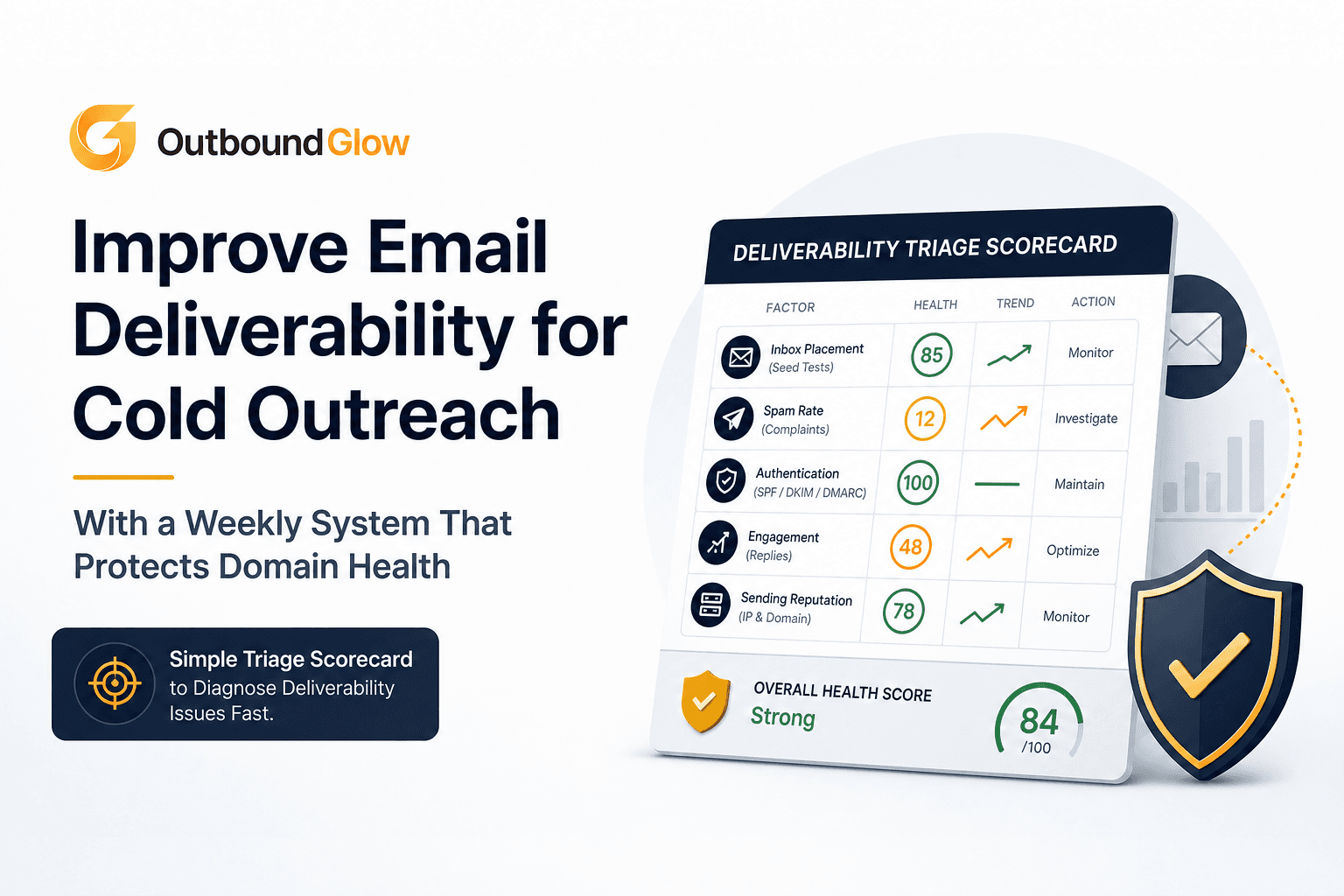
Improve Email Deliverability for Cold Outreach With a Weekly System That Protects Domain Health
Improve email deliverability for cold outreach with a weekly scorecard, ramp plan, and safe personalization to protect domain health.
Test Domain Health Before Scaling Cold Email With a 72-Hour Micro-Send Protocol
Learn how to test domain health before scaling cold email using a 72-hour micro-send protocol, go/no-go thresholds, and fix paths.