Improve Email Deliverability for Cold Outreach With a Weekly System That Protects Domain Health
Adrian NguyenJuly 7, 202610 min read
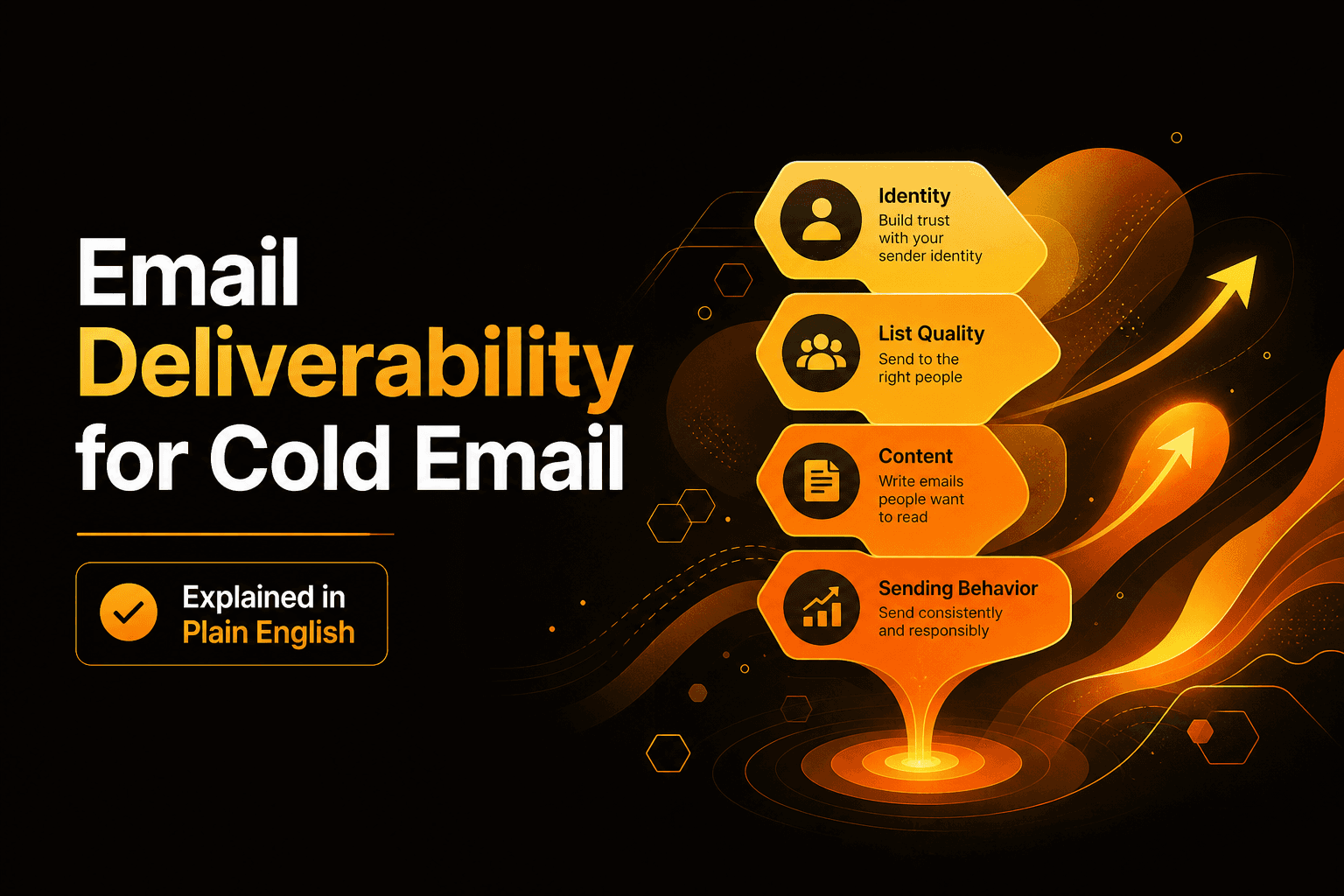
If you need to improve email deliverability for cold outreach, you do not need more hacks. You need a repeatable weekly system that ties symptoms (bounces, spam, low opens) to root causes (list quality, authentication, sending behavior, content) and then prescribes the next action.
Key takeaways
Use a 30-minute triage scorecard to map deliverability symptoms to the one or two most likely causes.
List quality and targeting drive most cold email failures, so enforce verification, suppression, and ICP tightening before you touch copy.
Run a weekly operating cadence with thresholds for bounces, complaints, and engagement so you can scale volume without degrading domain health.
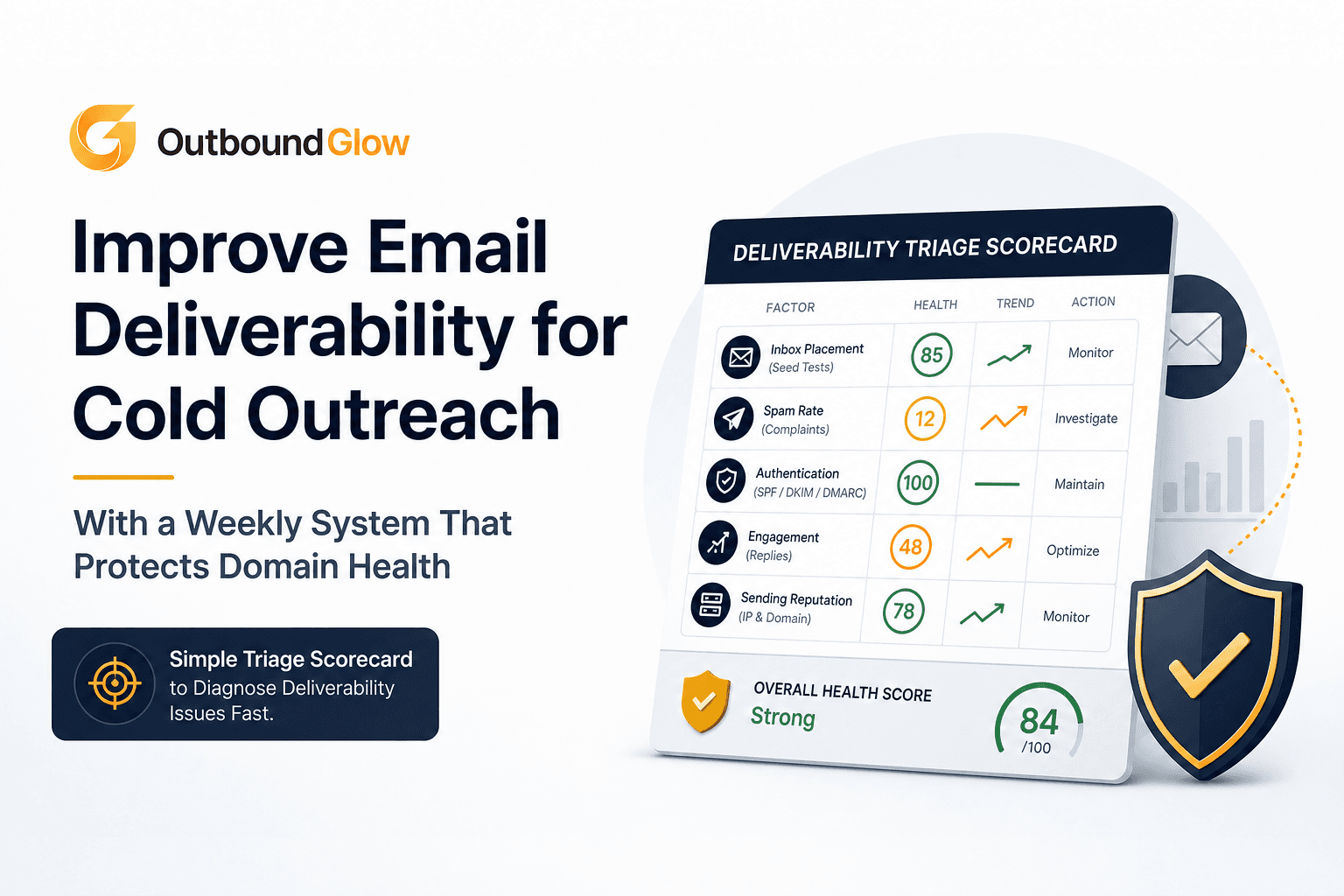
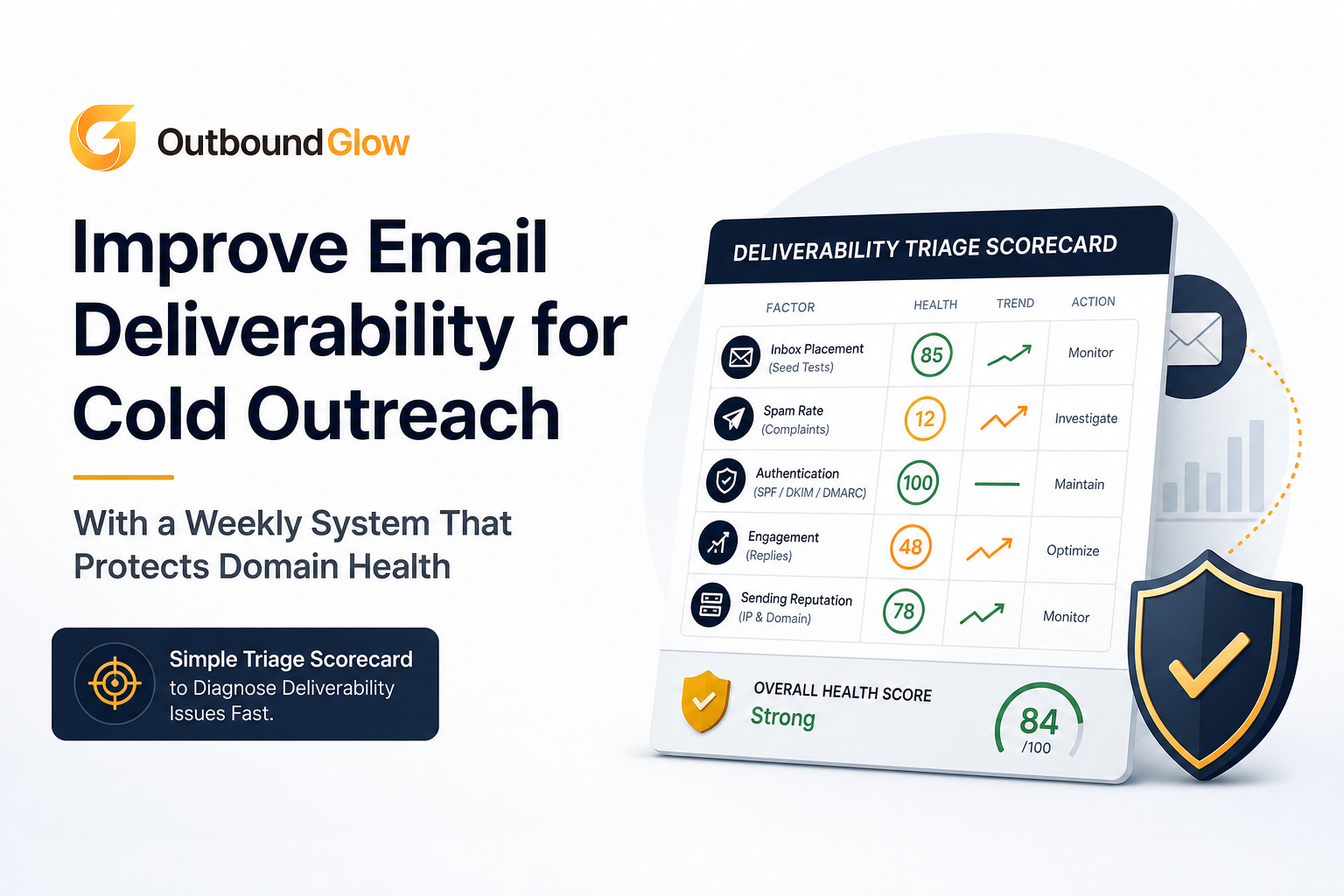
A simple triage scorecard to diagnose deliverability issues fast.
Diagnose deliverability drops in 30 minutes using a triage scorecard
When deliverability drops, the fastest way to improve email deliverability is to stop guessing and classify the failure. This scorecard is designed for cold outbound teams running multiple mailboxes and sequences.
Step 1: Pull the four signals that matter
Inbox placement proxy: open rate trends by provider (Google, Microsoft, Yahoo). Opens are imperfect, but trend direction is still useful.
Bounce breakdown: hard vs soft bounces and the SMTP reason codes.
Spam complaints: from Google Postmaster Tools or your sending platform (when available).
Provider pattern: is the drop isolated to one provider (often reputation or content) or across all providers (often list quality or authentication)?
Step 2: Classify symptoms to root causes (use this mapping)
Hard bounces spike (5%+ in a send): list quality, poor verification, stale data, or role-based addresses (info@, sales@).
Soft bounces spike with “rate limited” or “try again later”: sending too fast, volume too high per mailbox, or provider throttling.
Spam complaints rise (0.1%+ is a warning, 0.3%+ is urgent): ICP mismatch, aggressive copy, misleading subject lines, or sending to people who never asked for it.
Opens drop mostly on Microsoft (Outlook/365): content patterns, link tracking, or reputation issues often show up there first.
Opens drop across all providers after a domain change: authentication gaps (SPF/DKIM/DMARC), new domain reputation, or warmup/ramp issues.
Step 3: Run a 10-point triage checklist
Did you change sending volume by more than 30% week over week?
Did you launch a new domain or mailbox in the last 14 days?
Did you add a new lead source or upload a new list segment?
Did you change your tracking setup (open tracking, link tracking, redirect domains)?
Are SPF and DKIM passing for the sending domain? (Check headers from a test send.)
Is DMARC present and aligned (even at p=none)?
Are hard bounces under 2% per campaign day?
Are spam complaints under 0.1%?
Are unsubscribes under 0.5%?
Is one provider driving most failures (80% of bounces/complaints)?
Fix the three biggest deliverability killers in cold email list and targeting
Most teams try to rewrite copy when the real issue is that they are emailing the wrong people or emailing unverified addresses. If you want to improve email deliverability quickly, start with list rules that reduce hard bounces and complaints.
Killer 1: Unverified or low-confidence emails
Rule: Only send to addresses that are verified as deliverable, and do not “guess” patterns at scale.
Benchmark: keep hard bounces <2% per day; <1% is a strong target for cold outbound.
Implementation: verify before import; re-verify any lead older than 30 days; block catch-all domains unless the lead is high-value and you can confirm via a second signal (LinkedIn role match, company directory).
Suppression: permanently suppress any address that hard bounces once.
If you need a shared language for bounce categories, use this reference on bounce rate definition so your team treats each bounce type correctly.
Killer 2: ICP drift that creates complaints
Rule: tighten your ICP until your first email can pass the “obvious relevance” test in 5 seconds.
5-second relevance test: would the recipient immediately recognize why they were selected based on role, industry, and a visible trigger?
Targeting filters to enforce:
Role: match job function and seniority (ex: RevOps Manager vs “Operations”).
Company size: pick a narrow band (ex: 20-100 employees) per campaign.
Industry: avoid mixing regulated and non-regulated industries in one sequence.
Trigger: hiring, tech stack, funding, new location, new product page, or a job post.
Benchmark: keep spam complaints <0.1%. If you cannot, your ICP is too broad or your offer is misaligned.
Suppress competitors, vendors, existing customers, and partners if the campaign is strictly net-new.
Suppress role accounts (info@, support@) unless you have a specific reason and a different copy path.
Rebuild domain and sending reputation without pausing pipeline
When reputation is bruised, teams often “pause everything” and lose momentum. A better approach is a controlled ramp that keeps pipeline moving while you improve email deliverability week over week.
A stepwise ramp plan (use caps and distribution)
Stabilize (Days 1-3): cut volume to the last known safe level. If unsure, reduce daily sends per mailbox by 50%.
Normalize (Days 4-10): increase volume in small increments, typically 10-20% every 2-3 days if metrics stay within thresholds.
Scale (Days 11+): only scale the segments with the lowest complaints and bounce rates, and keep new segments on lower caps.
Per-mailbox caps that reduce throttling risk
New mailbox (first 2 weeks): 10-25 cold emails/day, depending on list quality and reply signals.
Established mailbox: 30-60 cold emails/day is a common safe band for many teams, but your safe number depends on complaints and bounces.
Distribution rule: spread volume across mailboxes rather than pushing one mailbox hard. Provider throttles often trigger soft bounces and delayed delivery.
Engagement-based adjustments (what to do when metrics move)
If hard bounces rise above 2%: stop new lead ingestion, re-verify, and remove the last imported segment.
If soft bounces rise and SMTP says rate limiting: slow sending, add longer delays, and reduce per-hour sends.
If complaints rise above 0.1%: tighten ICP, remove the worst-performing job titles, and soften the first email.
Improve email deliverability with deliverability-safe content and personalization at scale
Content does not “fix” a bad list, but bad content can absolutely sink a good one. To improve email deliverability while scaling, standardize copy patterns that reduce spam triggers and increase positive engagement signals.
A deliverability-safe copy checklist (use this before every launch)
Keep formatting plain: no heavy HTML, no colored text, no large images, no multiple font sizes.
Limit links: aim for 0-1 link in the first email. Avoid shortened URLs.
Avoid attachment sends on first touch.
Subject lines: short, specific, no clickbait. Avoid “RE:” unless it is a real reply thread.
Readable signature: real person name, role, company, and a simple opt-out line where appropriate for your region and policy.
Personalization rules that do not look like spam
Personalization is not about stuffing variables. It is about proving relevance with one concrete detail.
Use 1 strong personal line tied to a real trigger (job post, product page, announcement).
Ban fake specificity: do not claim you “saw your post yesterday” unless you actually did.
Keep it verifiable: reference something the recipient can confirm in 2 seconds.
Two example openings (good vs risky)
Good: “Noticed you are hiring 2 SDRs in Austin. Teams usually see reply rates dip during ramp. Want a 10-minute walkthrough of the outbound workflow we use to keep volume steady?”
Risky: “I loved your recent LinkedIn post and your amazing company culture. We can 10x your sales instantly. Click here.”
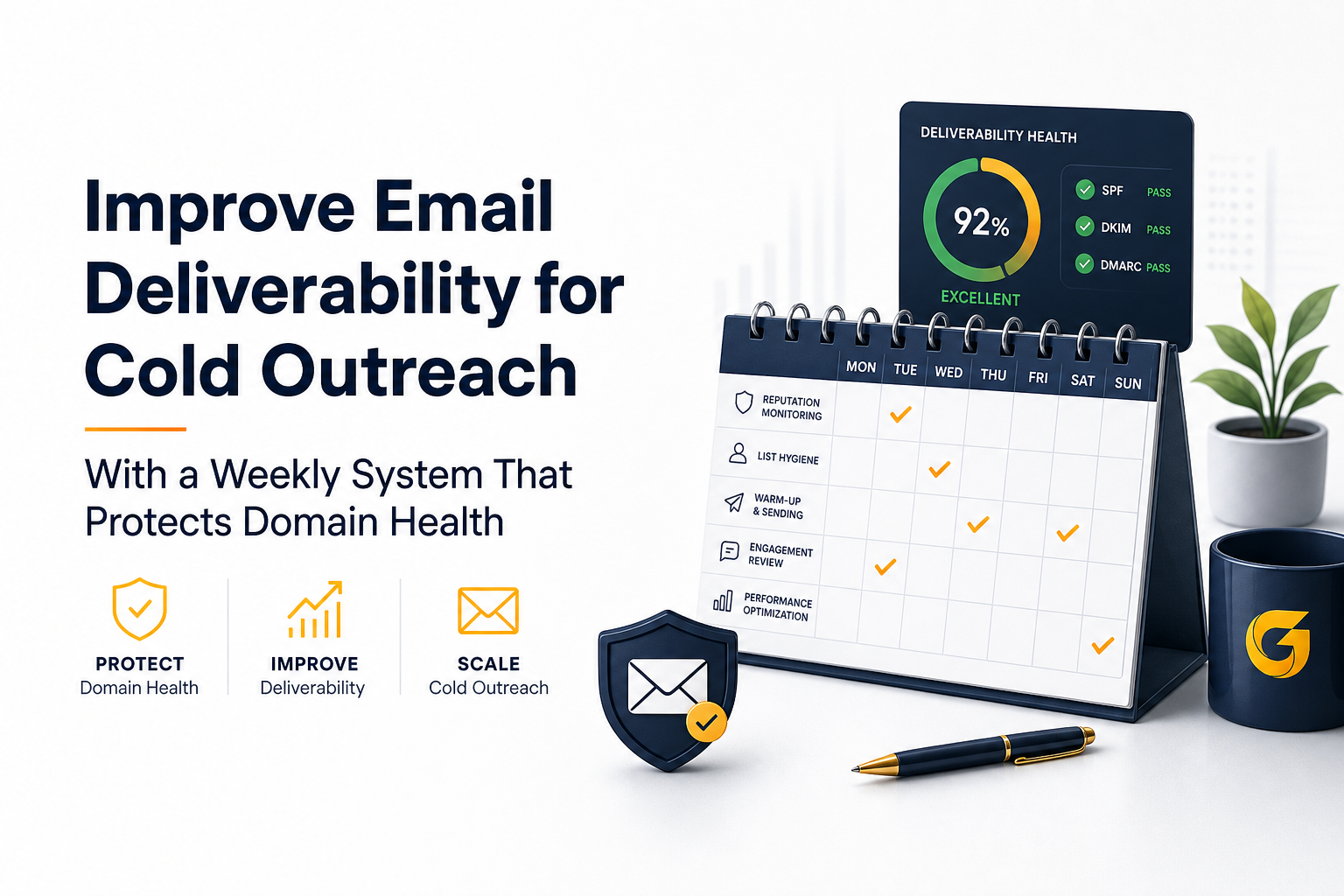
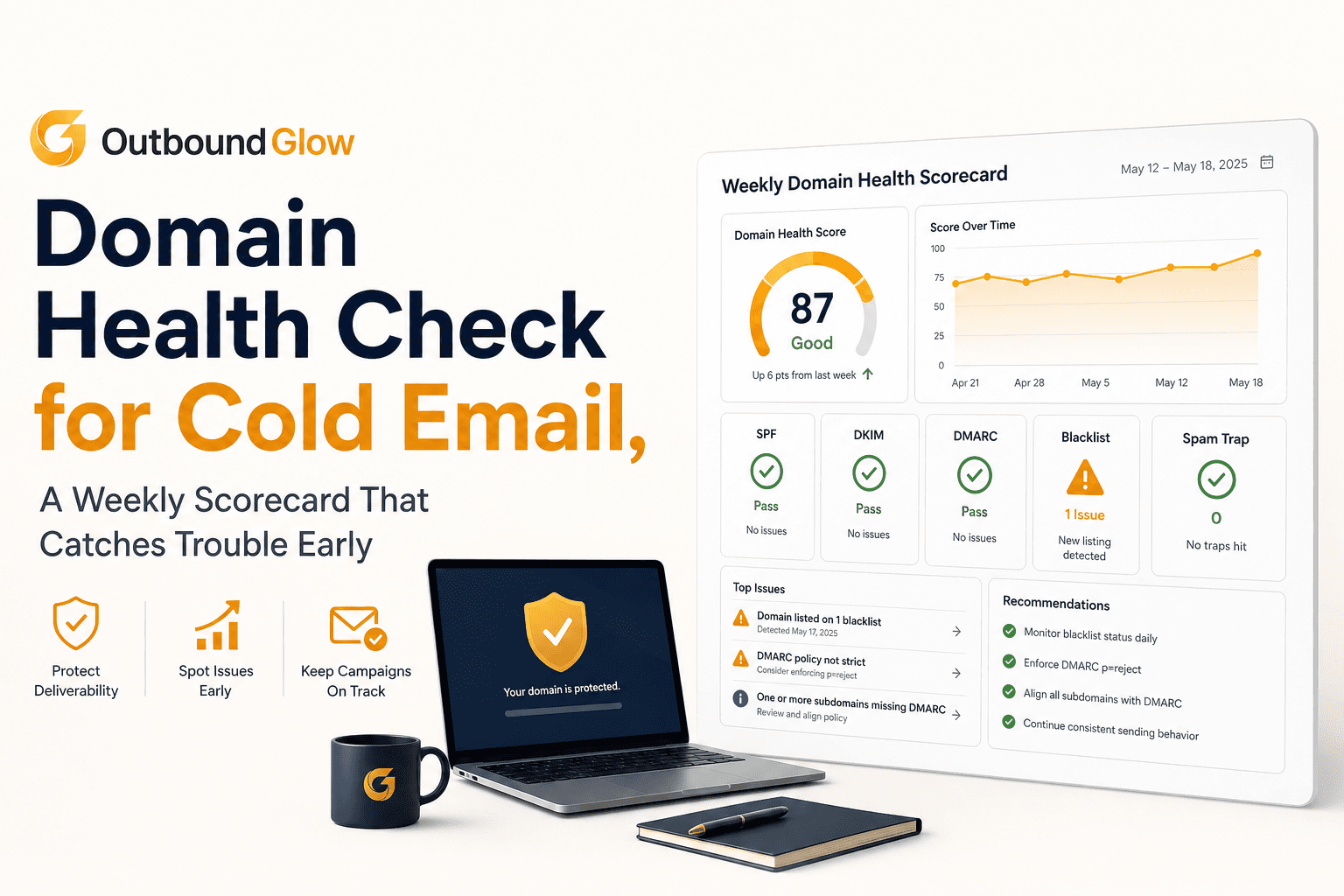
Weekly operating cadence to protect domain health while scaling cold outreach.
Set up a weekly deliverability operating system for cold email automation
The difference between stable inboxing and random swings is a weekly cadence. This operating system gives you metrics, thresholds, and actions so you can improve email deliverability without slowing growth.
Weekly KPIs and thresholds (with actions)
Hard bounce rate: target <1%, investigate at 2%, stop and clean at 5%+.
Soft bounce rate: target <2%, investigate at 4%+ (often throttling).
Spam complaint rate: target <0.1%, urgent at 0.3%+.
Unsubscribe rate: target <0.5%, investigate at 1%+.
Reply rate (positive + neutral): track by segment; falling reply rate with stable bounces often indicates ICP or offer drift.
Weekly checklist (30 minutes, same time every week)
Review provider splits (Google vs Microsoft vs Yahoo) for opens, bounces, and complaints.
Audit the last 2 list imports: verification rate, catch-all share, role-account share.
Pull the top 10 complaint or negative-reply threads and identify the pattern (role, industry, offer promise, wording).
Check authentication status (SPF/DKIM/DMARC) and sending domain alignment.
Decide one action: tighten ICP, adjust volume, change copy, or pause a segment.
Escalation playbook (what to do when things go sideways)
Red condition: complaints ≥0.3% or hard bounces ≥5% in a day.
Immediately pause the affected campaign segment.
Remove the most recent list segment added.
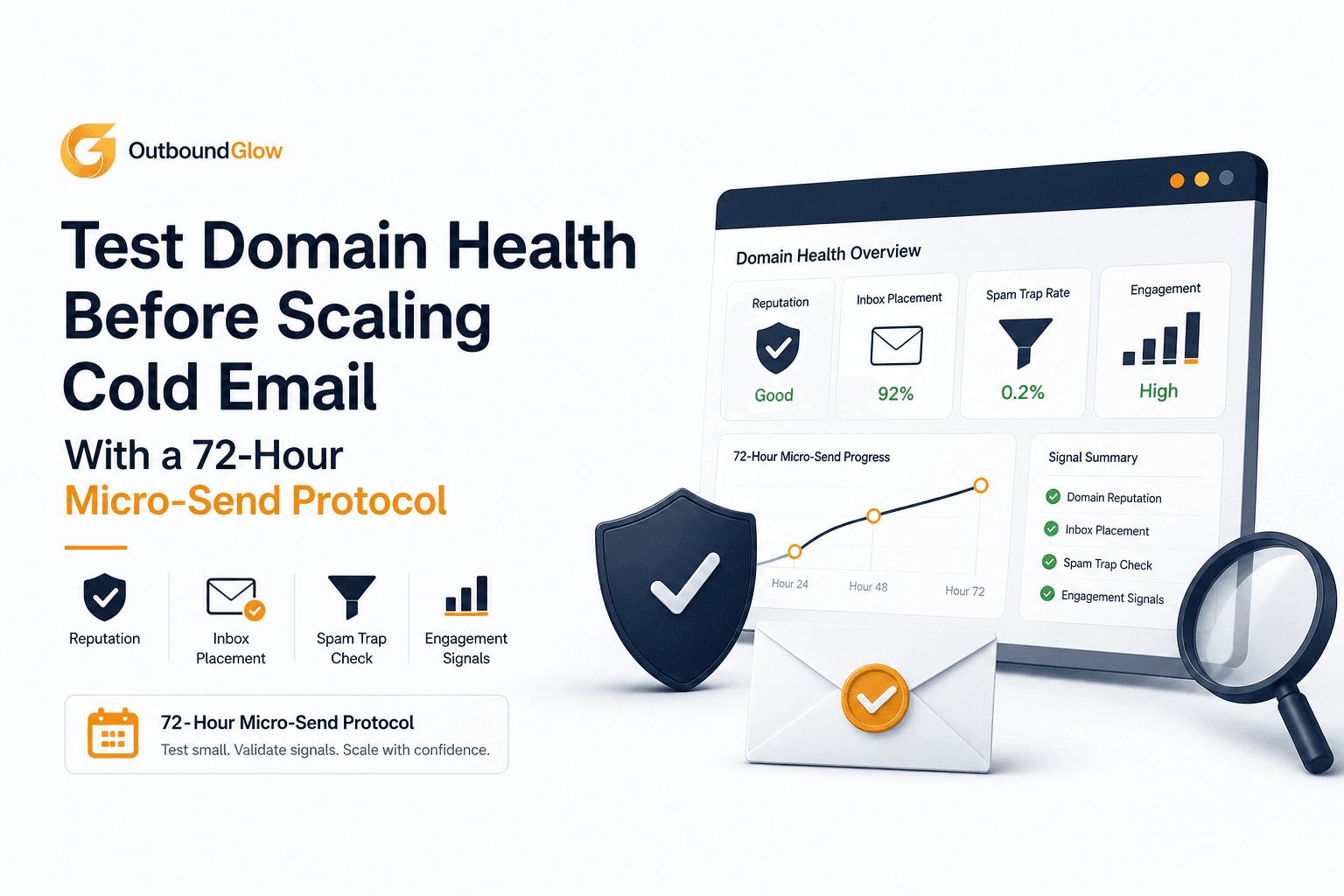
Reduce sends across all mailboxes by 30-50% for 72 hours.
Amber condition: opens drop 20%+ for one provider for 3 consecutive sends.
Test a plain-text version (no links) to a small batch.
Slow sending cadence and reduce per-hour sends.
How Outbound Glow automates deliverability improvements while you scale outreach
Once your system is defined, the next bottleneck is consistency. Outbound Glow is built around automation that supports the levers that typically help teams improve email deliverability: verified prospecting and tighter audience selection, AI-assisted personalization that stays specific to each profile, and guardrails that monitor bounce and complaint signals so you can pause before reputation damage compounds. If you are already running multiple sequences, this kind of automation is most useful when it enforces your weekly thresholds by default instead of relying on manual spot checks.
For a deeper explanation of the mechanics behind inbox placement, see this guide on email deliverability. And if you are actively ramping new domains, review when email warmup matters most.
Signal you see
Most likely cause
First action (24-48 hours)
Longer-term fix (this week)
Hard bounces jump above 2%
Unverified or stale list
Pause newest segment, re-verify, suppress bounces
Change sourcing rules, re-verify leads older than 30 days
As a practical benchmark, aim for <1% hard bounces. Investigate at 2%. If you see 5%+ in a day, treat it as a list quality incident: stop sending that segment, re-verify, and suppress bounced addresses immediately.
How fast can I ramp volume after a deliverability dip?
Assuming bounces and complaints are back within thresholds, increase volume in 10-20% steps every 2-3 days. Avoid week-over-week jumps above 30% per mailbox, which often triggers throttling and inbox placement volatility.
Do links hurt deliverability in cold outreach?
Links are not inherently bad, but they increase risk when combined with new domains, high volume, or aggressive copy. For first-touch cold emails, 0-1 link is a common best practice. If you see provider-specific drops, test a version with no links.
What should I monitor weekly to protect domain health?
At minimum: hard and soft bounce rates, spam complaints, unsubscribes, and provider splits. Then tie each metric to a preset action, so you do not debate what to do when thresholds are crossed.
If you want to implement this weekly system without living in spreadsheets, Outbound Glow helps you operationalize it by automating list targeting, personalization, and deliverability guardrails so you can scale outreach while protecting domain health.
Adrian Nguyen
Adrian Nguyen is an expert on automation, SEO and AI fields.
Let's help his spread the words.