
Personalized Email Campaigns That Scale, A Simple 3-Layer Framework
Build personalized email campaigns with a 3-layer model, deliverability guardrails, and a 2-week measurement plan to scale without fake personalization.
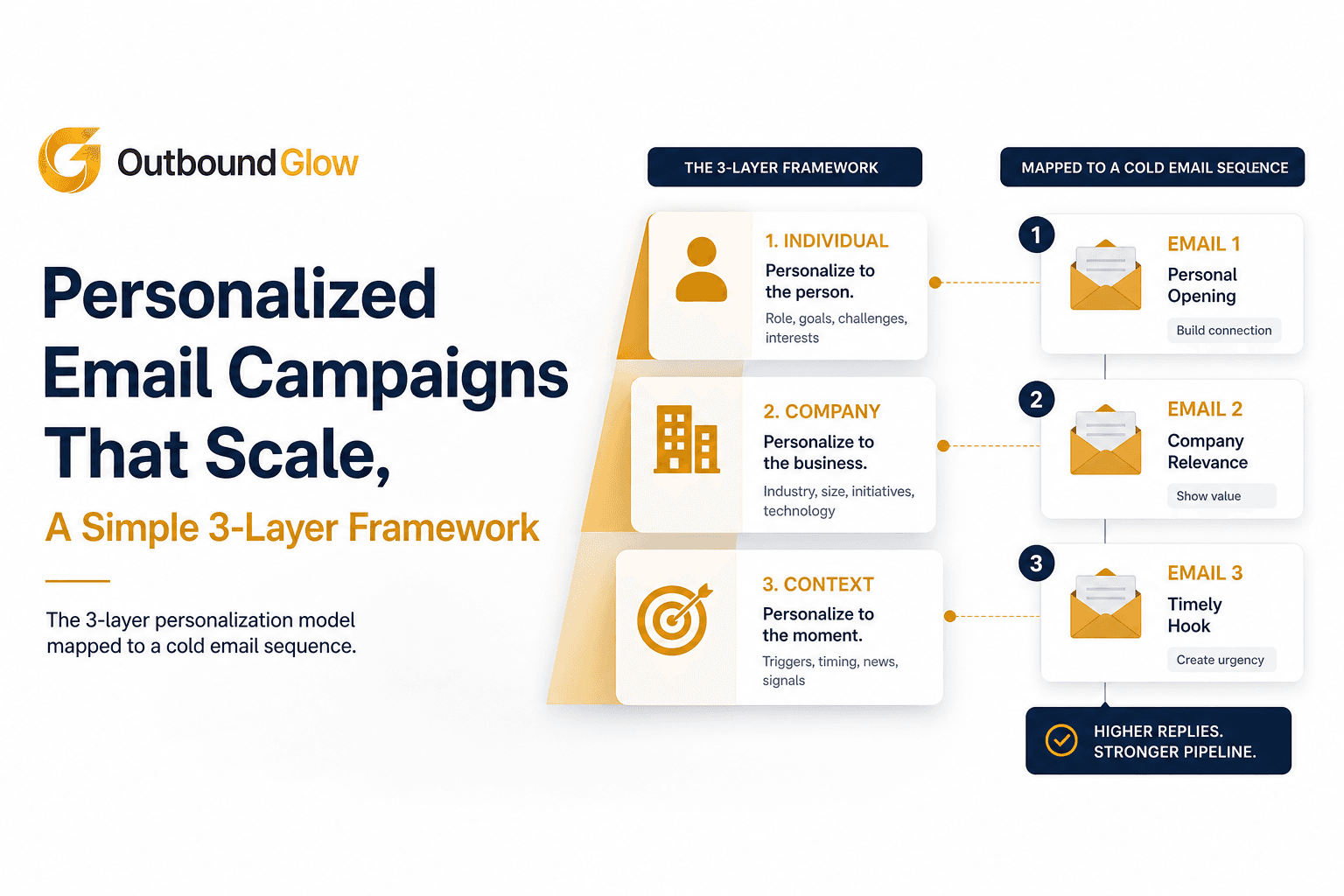
Personalized email campaigns often break the moment you try to scale them: either you spend hours researching every prospect, or you “personalize” with {first_name} and a generic compliment that gets ignored. This guide gives you a practical campaign-level framework to personalize at scale without sounding fake. You will learn what personalization means in a sequence (not a one-off email), the 3-layer model (segment, account, person), and the guardrails that protect relevance and deliverability. You will also get a simple 2-week measurement plan so you can see impact fast and iterate with confidence.
Key takeaways you can apply this week
Use a 3-layer model: segment-level for the offer, account-level for the reason now, person-level for the opening line.
Add guardrails: minimum data fields, a relevance check, and a deliverability ramp so scaling does not burn your domain.
Measure in the first 2 weeks using reply rate, positive reply rate, and spam complaint signals, not vanity “personalization” metrics.
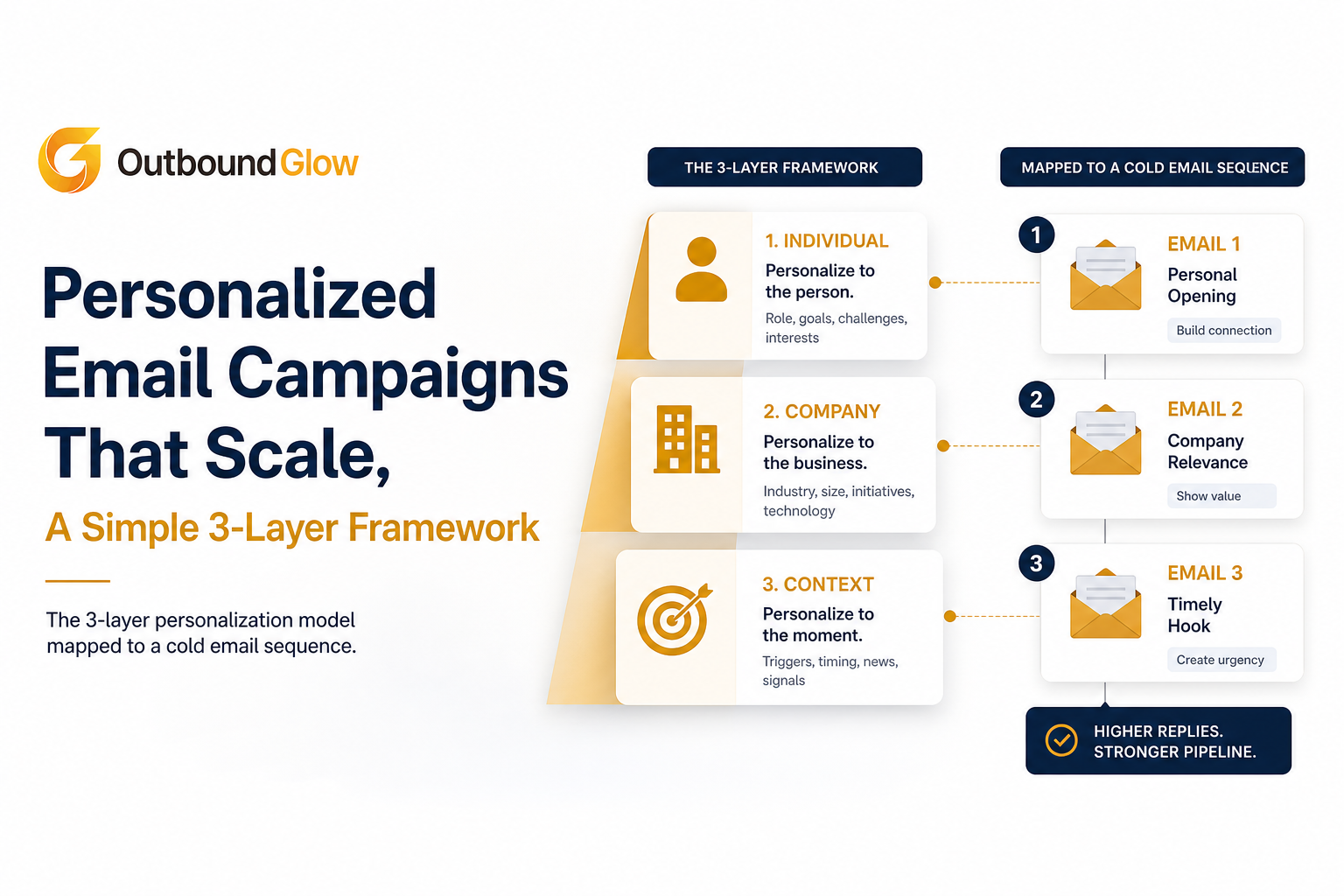
The 3-layer personalization model mapped to a cold email sequence.
What Personalized Email Campaigns Actually Mean (And What They Don’t)
A campaign definition you can operationalize
Personalized email campaigns are multi-step sequences where the targeting, message, and follow-ups adapt to a prospect’s segment, company context, and individual role so the email reads like it was written for them, while still being repeatable across dozens or hundreds of contacts.
The key word is campaign. Personalization is not just the first line. It includes:
Who you include (segmentation and list quality).
What you offer (value proposition tailored to the segment).
Why now (company context, timing, trigger).
How you follow up (different nudges based on role, objections, or observed intent).
What it is not: token swaps and “fake personalization”
Most teams confuse personalization with token swaps. If your email can be generated from a single LinkedIn headline, prospects feel the pattern immediately. Common “fake personalization” signals:
Compliments with no business connection (“Love what you’re doing at X”).
Random facts that do not tie to your offer (“Congrats on the Series A” but your pitch is unrelated).
Overly specific details that feel creepy (personal photos, family info, non-business data).
Expectation setting: what personalization can realistically improve
Personalization does not fix a weak list, a vague offer, or poor deliverability. What it can do is increase relevance, which typically lifts positive reply rate and reduces spam complaints because recipients understand why you emailed them.
Actionable takeaway: Before writing anything, write one sentence that answers “Why you, why now, why this?” If you cannot, your campaign is not ready to personalize.
Why Personalized Email Campaigns Matter for Replies and Deliverability
Relevance is a deliverability strategy, not just a copy strategy
Mailbox providers increasingly reward engagement and penalize negative signals. When recipients delete without reading, mark as spam, or never engage, your future sends suffer. Personalization helps because it increases the odds of a “good” engagement outcome: open, read, reply, or at least a non-negative interaction.
Two data points to ground the discussion
Gartner has long forecast that organizations using AI and advanced personalization would outperform those that do not in key outcomes like revenue and retention. The exact impact varies by use case, but the direction is consistent: personalization is a competitive advantage when done responsibly. See Gartner’s personalization and customer experience research hub: Gartner Customer Experience Insights.
Cold email deliverability and response outcomes correlate strongly with list quality and engagement. Instantly’s deliverability guidance emphasizes that engagement and spam complaints are major drivers of inbox placement, which is why relevance and targeting matter alongside technical setup.
The hidden cost of “volume-first” outreach
If you scale generic sequences, you often get a short-term bump in activity and a medium-term drop in inbox placement. Then you compensate by sending more volume, which compounds the problem. Personalized email campaigns break that loop by making each send more defensible: fewer recipients feel like you wasted their time.
Actionable takeaway: Treat personalization as a way to reduce negative signals (spam, deletes, bounces) first, and to increase replies second. That mindset changes your guardrails.
Personalized Email Campaigns That Scale Using the 3-Layer Personalization Model
Layer 1: Segment-level personalization (the offer)
Segment-level personalization means your core message changes by audience group. This is where most of the lift comes from because it aligns your value proposition with the recipient’s reality.
Segment examples (B2B):
SaaS founders (10 to 50 employees): focus on pipeline efficiency and time saved.
Sales leaders (mid-market): focus on meeting volume, rep productivity, and reporting.
Agencies: focus on client outcomes and repeatable outreach systems.
How to implement in a campaign: Build one sequence per segment, not one mega-sequence for everyone. Each sequence should have:
One primary pain point.
One proof mechanism (case study type, benchmark, or specific workflow).
One CTA that matches their buying motion (quick call, permission-based question, or short audit offer).
Actionable takeaway: If your segment definition does not change the offer, it is not a segment. It is a filter.
Go deeper on building a repeatable system in cold outreach.
Layer 2: Account-level personalization (the reason now)
Account-level personalization adds company context so the email answers “Why are you emailing us?” This is where you reference a trigger that connects directly to your offer.
Account-level trigger menu (pick one per prospect):
Hiring signal: hiring SDRs, growth marketer, partnerships lead.
Product signal: new feature launch, pricing change, new integration.
Market signal: entering a new region, new competitor, category shift.
Operational signal: website rewrite, new job-to-be-done messaging, new outbound roles.
Relevance rule: the trigger must connect to a plausible need your offer addresses. “Saw you posted a job” is not enough. “Saw you’re hiring 2 SDRs to expand outbound into EMEA, usually that is when teams revisit targeting and messaging consistency” is closer.
Actionable takeaway: Save triggers as structured fields (for example: trigger_type, trigger_detail, trigger_url) so you can reuse them across steps in the sequence without rewriting from scratch.
For a practical workflow, see research prospects.
Layer 3: Person-level personalization (the opening line and angle)
Person-level personalization is the smallest layer, but it is the one recipients notice first. It should do two things:
Prove you chose them (role, responsibility, or public work).
Set up the angle of the email (why your message fits their job).
Person-level inputs that scale without being creepy:
Role-based responsibilities (VP Sales vs Head of RevOps).
A public post, talk, or podcast about a work topic.
A quote from their company blog or case study that signals priorities.
Two opening line templates that do not sound templated:
Role + trigger: “Noticed you’re hiring your first RevOps lead, usually that’s when reporting gaps show up between outbound and pipeline.”
Public insight + bridge: “Your post on reducing low-intent demos stood out, especially the point about tightening ICP before scaling volume.”
Actionable takeaway: If the opening line cannot be reused in step 2 or step 3 of the sequence, it is probably too shallow. Good personalization creates a thread you can pull in follow-ups.
For a full system, read cold email personalization.
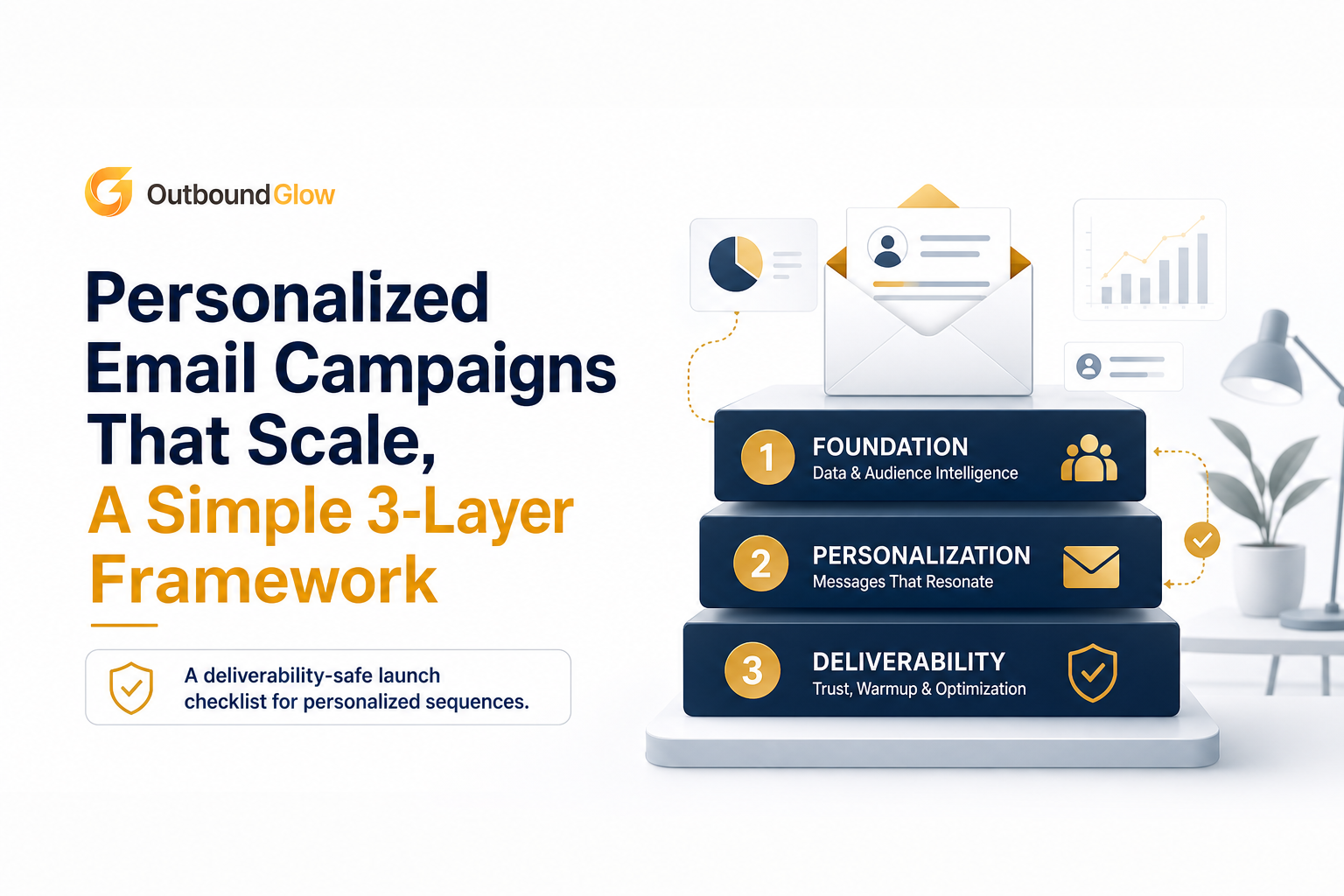
A deliverability-safe launch checklist for personalized sequences.
How to Launch Your First Personalized Campaign Without Hurting Deliverability
Step 1: Set data minimums (so your “personalization” is real)
Before you draft, define the minimum fields required to send. This prevents “AI guessed” lines and reduces errors.
Minimum viable data for personalized email campaigns:
Person: first name, title, function (Sales, Marketing, Founder), LinkedIn URL.
Company: company name, website, industry, employee range.
Trigger: one verifiable reason now (URL or source).
Fit: one sentence on why they match your ICP (rule-based).
If you cannot populate the trigger reliably, fall back to segment-level only and keep volume low until you can improve research quality.
Step 2: Add a relevance check before you send
Use a simple scoring gate. If the email fails, regenerate or skip the lead.
1 point: Segment offer matches role and industry.
1 point: Account trigger connects to the offer in one sentence.
1 point: Opening line references something verifiable and business-related.
Send rule: send only when score is 2 or 3. If it is 1, you are about to send a generic email with a name token.
Step 3: Control volume and ramp up
Even with good personalization, you need controlled sending to protect domain reputation.
Start with a smaller daily send (for example 20 to 50 per inbox) and increase gradually based on bounce and complaint signals.
Keep sequences short at first (3 to 4 steps) so you can learn faster and avoid over-sending to a weak segment.
Stop sending to leads that hard bounce or show clear negative signals.
Also track bounces correctly. If you are unsure how to interpret them, use this guide on bounce rate definition.
Step 4: Measure impact in the first 2 weeks (what to track)
Do not wait a month to learn. In the first 10 to 14 days, track:
Reply rate: replies divided by delivered emails.
Positive reply rate: positive replies divided by delivered emails (your north star).
Spam complaints: keep as close to zero as possible; any spike means relevance or list quality issues.
Hard bounce rate: if it rises, fix list verification before scaling.
Two-week experiment design: run one segment with two variants: (A) segment-only, (B) segment + account + person. Keep the offer identical. If B lifts positive replies without increasing complaints, you have a scalable personalization play.
Actionable takeaway: Personalization should earn the right to scale. Use positive reply rate and complaint signals as the gate, not “more opens.”
Personalized Email Campaigns Checklist You Can Copy
Strategy checklist
Define 1 segment with a single pain point and offer.
Write a one-sentence ICP rule (who is in, who is out).
Choose 3 account triggers you can source reliably.
Data and relevance checklist
Collect minimum fields: person, company, trigger, fit sentence.
Enforce the 2-of-3 relevance gate (segment, account, person).
Ban creepy data and non-business personal details.
Sequence checklist
Step 1: person-level opening + segment offer + one proof point.
Step 2: expand the account trigger and ask a narrower question.
Step 3: add a different proof mechanism (short example, quick teardown offer).
Stop rules: hard bounce, explicit “not interested,” or clear negative feedback.
Measurement checklist (first 14 days)
Track delivered, replies, positive replies, hard bounces, spam complaints.
Compare segment-only vs 3-layer personalization with the same offer.
Scale volume only after stable deliverability signals.
Actionable takeaway: If you only do one thing, implement the relevance gate. It prevents low-quality “personalization” from reaching real inboxes.
Layer | What changes in the campaign | Input you need | Example | Common failure |
|---|---|---|---|---|
Segment-level | Offer, proof, CTA, objections | Industry, size, role group | “For seed-stage SaaS founders, save 10 hours per week on prospect research” | One sequence for everyone |
Account-level | Reason now, timing, prioritization | Hiring, launch, expansion, news trigger | “Saw you’re hiring 2 SDRs for outbound expansion” | Trigger with no connection to offer |
Person-level | Opening line, angle, role framing | Role responsibilities, public content | “Your post on tighter ICP before scaling volume stood out” | Creepy or generic compliments |
FAQ about personalized email campaigns
How many personalization variables should I use in a sequence?
Use as few as needed to make the “why you, why now” obvious. In practice, segment-level plus one account trigger gets you most of the value, and person-level adds lift when it is verifiable and tied to the offer.
What is the fastest way to avoid fake personalization?
Use a relevance gate: only send if at least 2 of these are true: the offer matches the segment, the trigger connects to the offer, and the opening line is verifiable and business-related. If it fails, regenerate or skip the lead.
Do personalized email campaigns always improve open rates?
Not always, because opens depend heavily on subject lines and inbox placement. The more reliable impact is on positive replies and fewer negative signals, which then supports inbox placement over time.
What should I measure in the first two weeks?
Track delivered emails, reply rate, positive reply rate, hard bounce rate, and any spam complaints. Compare a segment-only version against a 3-layer version with the same offer to isolate the effect of personalization.
If you want to automate the research and drafting parts of this 3-layer approach without losing control of your voice, see how Outbound Glow can generate context-aware drafts from real-time prospect data, then let you review and launch personalized email campaigns with deliverability guardrails built in. Try it on one segment first, measure for 14 days, and scale only after the numbers earn it.

Written by Leah Nguyen
Read Next
View all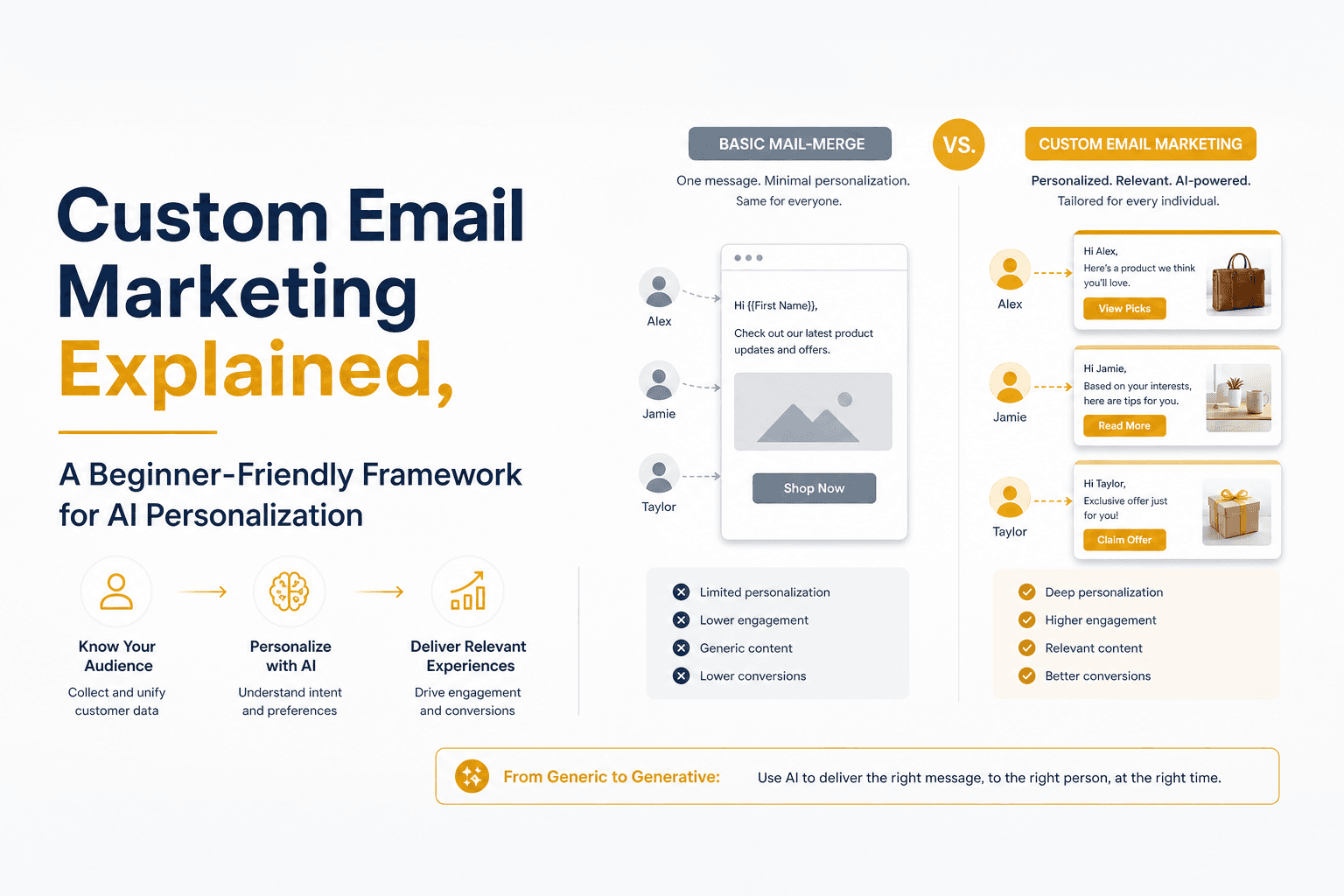
Custom Email Marketing Explained, A Beginner-Friendly Framework for AI Personalization In 2026


AI for Email Marketing, A Practical Workflow for Free Tools, Prompts, and Automation
Practical AI usage for email marketing workflow: map use cases, draft safely with prompts, automate triggers, measure revenue lift, and protect deliverability.
Cold Email Personalization Explained, A Simple Framework That Actually Gets Replies
Learn cold email personalization with a simple framework, 10 easy fields to personalize, and tips to scale safely without hurting deliverability.