
AI Tool for Email Writing How SDRs Personalize at Scale Without Sounding Robotic

If you're an SDR, BDR, or outbound marketer, you already know the trade-off: leadership wants more volume, but every batch of emails you send out is another chance to sound like a robot — or worse, another ding against your domain's reputation. The right AI writing tool can actually resolve that tension. It takes real context about your prospect and turns it into something that sounds like you wrote it, while keeping some guardrails in place so you don't torch your sender reputation in the process.
This isn't a tool roundup. It's a working playbook: what actually matters when you're choosing a tool, how personalization shifts depending on who you're selling to, and a 30-minute routine you can run every week to draft, check, send, and measure what's working.
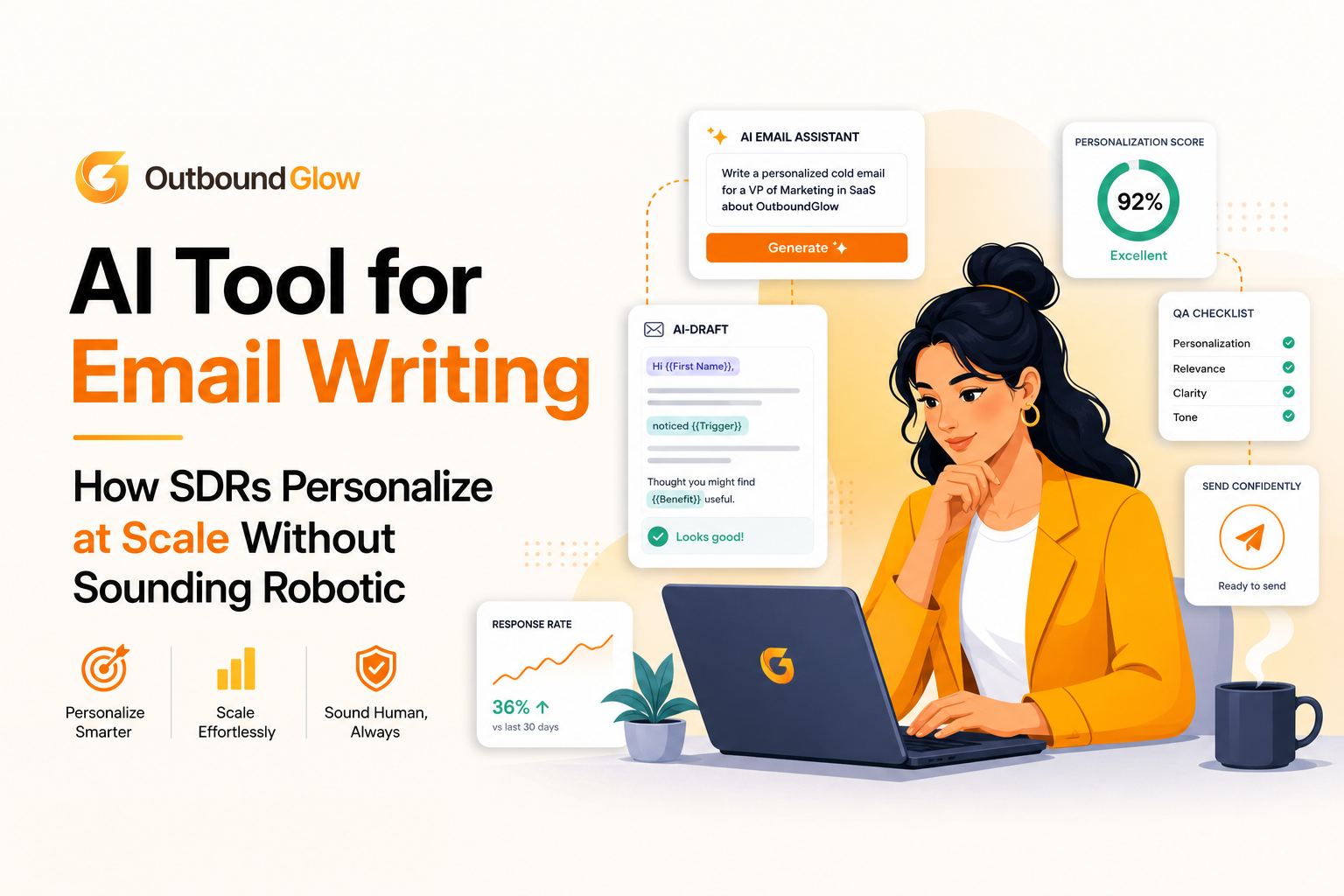
A practical workflow for AI-assisted outbound email writing and QA.
What Should an AI Writing Tool Actually Do For You?
Let's get one thing straight: a good tool doesn't just spit out copy. It should hand you a draft that already has a real reason for reaching out, one clear ask, and a subject line that actually matches what's in the body.
Beyond that, it needs to:
Connect something specific about the prospect to your value prop
Give you real variants to test (e.g,,different hooks, different CTAs)
But here's the catch: None of that happens without the right inputs. Before you even open a tool, you need to have already nailed down:
The offer itself: who you help, what result you get them, and why this is the moment to reach out
A proof library: somewhere between 3 and 10 short proof points (case studies, logos, metrics) sorted by industry
Constraints: banned words, compliance requirements, tone, length
Prospect context: role, company, industry signals, anything happening at their company right now, ideally with a source link
Honestly, before you even test a tool, write yourself a one-page campaign brief covering those four things. If a tool can't work reliably from that brief, it's not going to scale with you no matter how good the demo looked.
Why This Actually Matters (And Where the Real Risk Is)
Here's the thing people get wrong: it's not volume that kills deliverability. It's repetition. When teams scale outbound fast, they tend to lean on the same three sentences across thousands of emails, and that pattern — especially combined with a messy list or an aggressive sending ramp is what tanks inbox placement. A decent AI tool helps here because it can genuinely generate unique drafts at scale and enforce the same QA process every time, instead of leaving that to whoever's writing that day.
Two numbers worth keeping in mind:
Gartner has predicted that by 2025, 80% of B2B sales interactions between suppliers and buyers would happen through digital channels — which raises the bar for how good your written outreach needs to be, since it's carrying more of the relationship than it used to.
Google's own sender guidelines make it clear that authentication and low spam complaints aren't optional extras — they're core requirements if you want your emails landing in the inbox at all.
What Actually Separates a Good Tool From a Copy Generator
It personalizes off the right inputs
Most outbound personalization fails because someone typed "write a cold email to a VP of Sales" and called it a day. Real personalization needs four layers of input:
The person: their role, what they're actually responsible for, likely KPIs
The company: business model, stage, and some kind of trigger (a launch, new hires, expansion, a compliance shift)
The problem: one plausible pain point tied to that trigger, framed as a hypothesis, not a fact
The proof: one relevant point that actually matches this person and their industry
It has QA built for how outbound actually works
Whatever a tool drafts needs to go through a fast check before it ships. Here's a rubric you can run in under a minute:
Relevance: does the opener reference something you can actually verify (a job post, a site, recent news), or is it just a generic compliment?
Specificity: does it name one use case and one outcome, not five vague benefits?
Claims: no "guaranteed results" or anything you can't actually back up
Spam risk: watch for excessive punctuation, caps, or salesy language in the subject and opening line
The ask: one low-friction next step, matched to who you're talking to
It's built with deliverability in mind, not just word count
Choosing a tool is really choosing a workflow. Look for:
Drafts that are genuinely different across prospects, not just a name swapped in and out
Follow-ups that build on the same thread instead of repeating the same line
The ability to enforce length limits, banned phrases, and a consistent signature
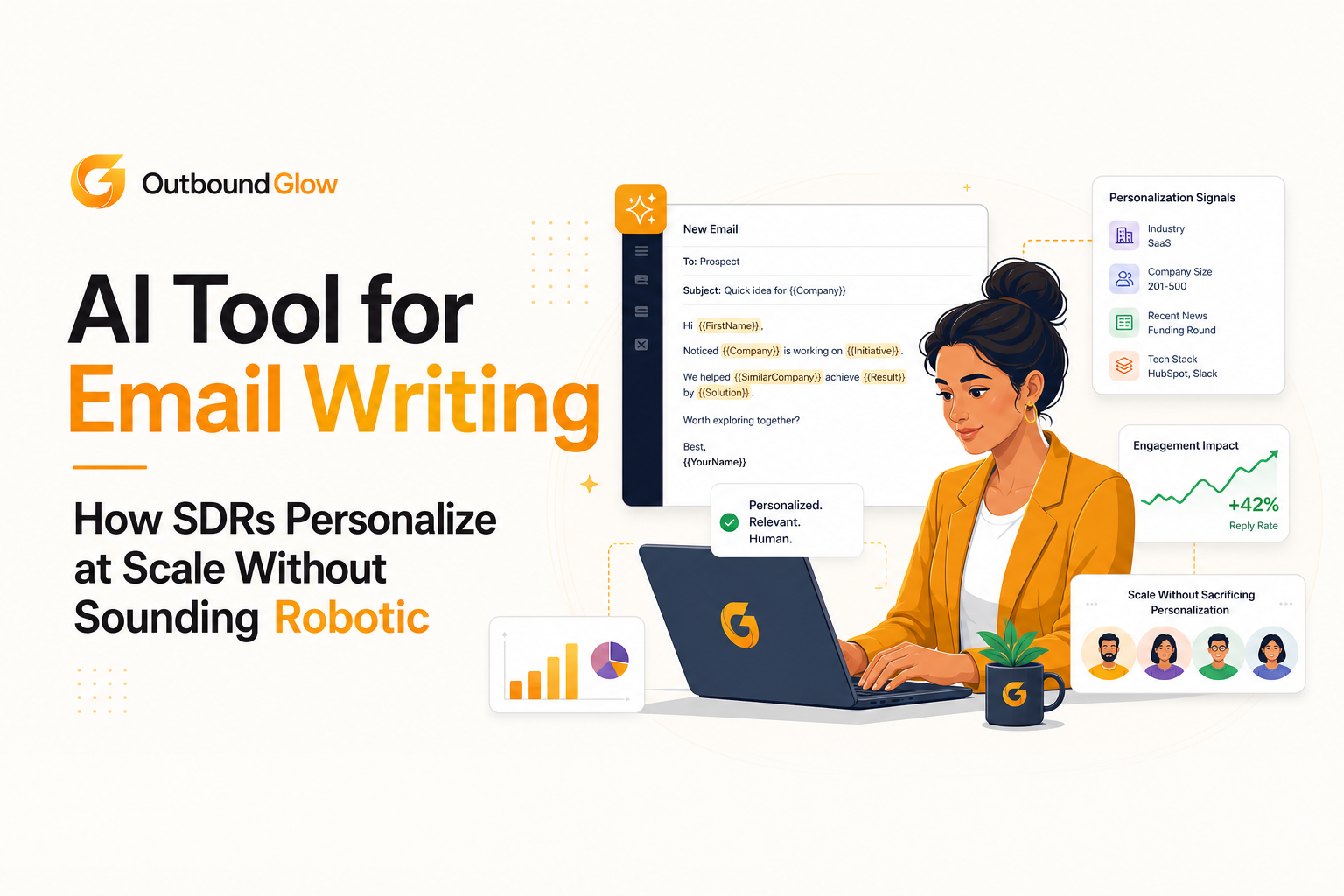
Industry-specific personalization angles for outbound emails.
Personalization Actually Looks Different by Industry
What counts as "credible" changes a lot depending on who you're emailing. Here's what tends to land, and what tends to get ignored — by industry:
SaaS:
Personalize around integration surface (their CRM, data warehouse, ticketing setup), product-led triggers like pricing page changes, or new hires in RevOps or Growth. A line like "we cut manual ops time by X hours a week" lands — assuming it's actually true for you. Skip the "love what you're building" openers; they read as filler.
Instead, try something like: a 90–120 word email to a Head of RevOps at a Series B company, tying one thing from their careers page to a single ops bottleneck, with one proof point and a yes/no ask.
Agencies and services:
Reference a recent campaign they launched, the categories they clearly specialize in, or the channel mix they've obviously invested in.
Frame proof as outcome-plus-context: "for a DTC brand in [category], we improved MER by X% in Y weeks" never critique their existing work, since that just puts people on the defensive.
Recruiting and staffing
Reference specific open roles, hiring urgency, or seniority mix they're clearly trying to fill.
Lean on speed and quality signals — shortlist turnaround, pass-through rate — stated conservatively.
Don't imply they're bad at hiring, and don't come on too strong in follow-ups.
Fintech and other regulated industries
Reference their compliance posture or procurement process
Mention trust signals like SOC 2 if relevant, and keep language cautious. Think "reduces audit time" rather than "eliminates risk." Never make a guarantee you can't legally back.
👉 If you want to dig deeper on the research side, how to research prospects for cold email walks through the framework in more detail.
A 30-Minute Weekly Routine That Actually Works
This is built for people who need to ship today, not overhaul their entire stack.
Minutes 0–7: Set up your inputs Pick one persona and one industry slice. Define a single offer. Pull 3 proof points for that industry. Set your constraints — word count, tone, banned phrases, CTA style.
Minutes 7–15: Generate with structure enforced Have your tool output in a fixed shape so review stays fast: a verifiable hook, a line connecting that hook to your offer, one proof point, one CTA. Generate two variants — one direct, one more curious in tone — but only send one per segment so your data stays clean.
Minutes 15–23: Run it through a two-pass QA First pass: check for accuracy — wrong facts, forced compliments, mismatched triggers. Second pass: check for risk — spam patterns, too many links, claims you can't defend. If you're running a sequence, make sure follow-ups actually add something new instead of restating the same ask.
👉 If you run sequences, ensure follow-ups add new value rather than repeating the same ask. For a safe sequencing framework, see cold outreach automation.
Minutes 23–30: Send carefully, then measure what matters Keep your daily volume steady — no sudden spikes, especially on a newer domain. Track replies per 100 delivered, positive reply rate, and meetings booked, not just open rate. Tag each send by hook type (job post, funding news, product update) so you actually learn what's working over time.
👉For a measurement framework, read email analytics.
FAQ about using AI for outbound email
Will this hurt my deliverability?
It can, if you don't monitor it. Elements such as repetitive templates, exaggerated claims, or ramping volume too fast will hurt you no matter how the emails were written. AI can help deliverability with properly usuage, since it can produce genuinely unique emails and enforce QA consistently. You still need to handle authentication, list hygiene, and ramp schedules yourself.
What do I actually need to feed it to avoid robotic-sounding emails? A real brief: the persona, a specific company trigger, one problem hypothesis, one proof point, plus your constraints (word count, banned phrases). Give it a verifiable source type for the hook (a job post, a news mention, their site) so the opening line stays grounded in something real.
What's the fastest way to QA these as an SDR?
Two passes. First for accuracy: facts and relevance. Then for risk: claims, spam patterns, too many links. If you can't approve something in under a minute, your structure and constraints probably need to be tighter.
What should I actually be measuring?
Check for replies, positive reply rate, and meetings booked every 100 successful delivered emails. Open rate is fine as a rough signal, but it won't tell you what's actually working. Furthermore, keep an eye on spam complaints, and unsubscribe rate since those can do real damage to your domain over time.

Written by Leah Nguyen

Custom Email Marketing Explained, A Beginner-Friendly Framework for AI Personalization In 2026

AI for Email Marketing, A Practical Workflow for Free Tools, Prompts, and Automation
Practical AI usage for email marketing workflow: map use cases, draft safely with prompts, automate triggers, measure revenue lift, and protect deliverability.

Cold Email Personalization Explained, A Simple Framework That Actually Gets Replies
Learn cold email personalization with a simple framework, 10 easy fields to personalize, and tips to scale safely without hurting deliverability.