
Cold Email Personalization Explained, A Simple Framework That Actually Gets Replies

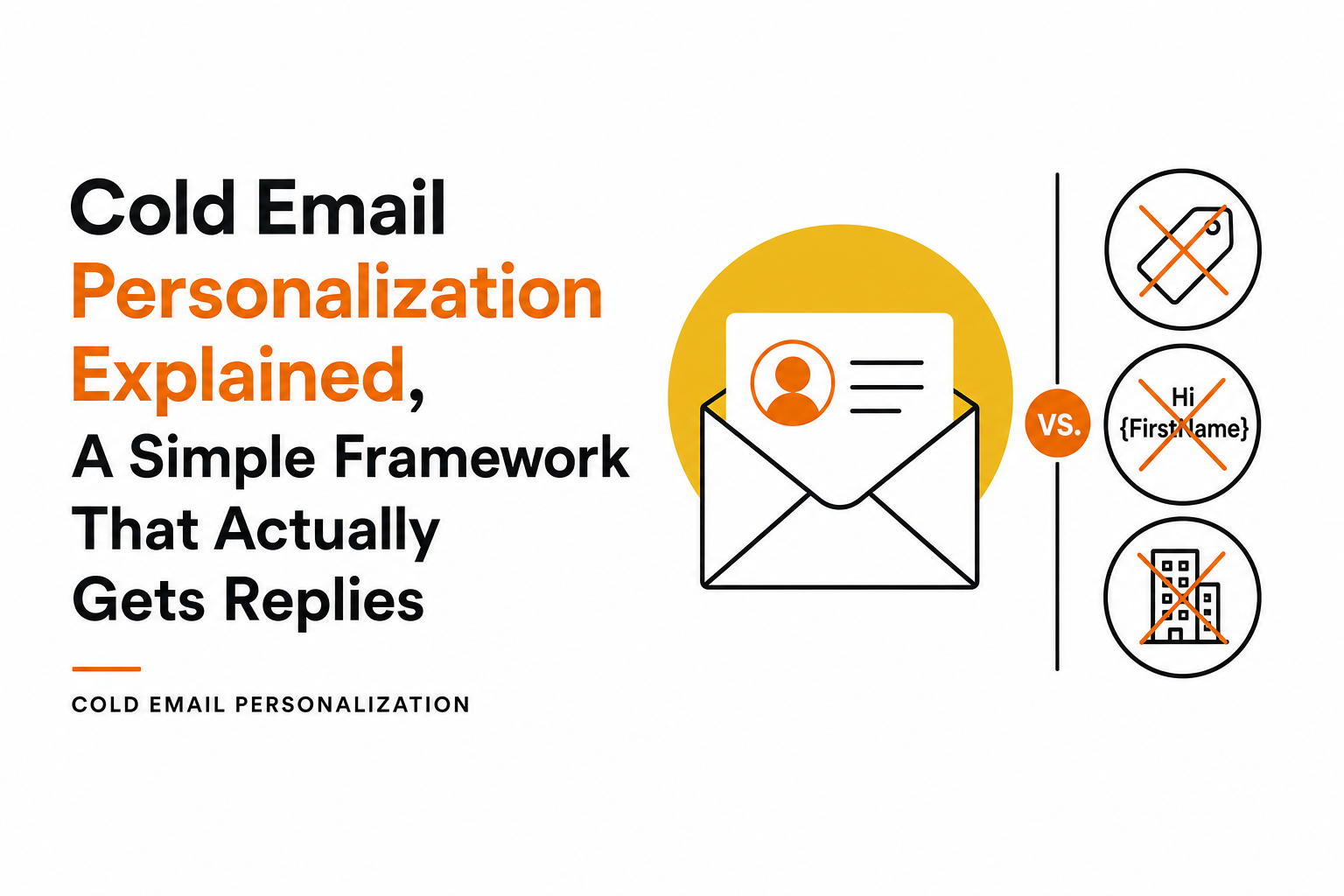
What Cold Email Personalization Really Means (And What It Is Not)
Most beginners confuse cold email personalization with “mail merge.” They are related, but not the same. Merge tags (like {{first_name}}) are formatting. Personalization is the reason the email is relevant to your specific ICPs.
Personalization vs merge tags vs segmentation
Approach | What it is | Example | Common failure mode |
|---|---|---|---|
Merge tags | Swapping fields into a template | “Hi Maya,” “Congrats on {{company_name}}” | Feels generic because the core message is unchanged |
Segmentation | Grouping by shared attributes | One version for “Series A SaaS” and one for “Agencies” | Still broad; reply rates plateau when lists grow |
Cold email personalization | Using a specific, verifiable signal to justify outreach | “Noticed you’re hiring 3 SDRs in Austin; that usually means…” | Over-researching and slowing throughput, or using weak signals |
What “good” personalization looks like in two sentences
A practical definition: one concrete observation + one plausible implication tied to the recipient’s goals. For example:
Observation: “Saw your team is rolling out a partner program for EMEA.”
Implication: “That usually increases lead handoffs and makes attribution messy across regions.”
Those two lines do more than a first-name token because they create a “why you, why now” moment.
What it is not: “creepy” over-personalization
There is a line where personalization becomes uncomfortable or risky. Avoid signals that imply surveillance or private access, like referencing a prospect’s family, home location, or non-public metrics.
Safe: public job posts, press releases, product pages, conference talks, public LinkedIn posts.
Risky: “I saw you viewed our pricing page,” “noticed you were online at 11:42pm,” personal photos.
In our experience working with early-stage B2B founders, “less but sharper” context beats a paragraph of trivia because it reads confident rather than needy.
Why Personalization Works in Cold Email, The 3 Buyer Signals It Activates
Cold email is an interruption. Cold email personalization works when it reduces the mental cost of evaluating you. Practically, it activates three buyer signals that correlate with replies: relevance, credibility, and timing.
Signal 1: Relevance (this is about fit, not flattery)
Relevance means the recipient can map your message to a current priority. The fastest way to create relevance is to connect your outreach to a job-to-be-done that role owns.
Bad: “Love what you’re doing at Acme.”
Better: “Noticed you’re hiring for RevOps; usually that’s a sign pipeline reporting is getting noisy.”
Checklist: Before sending, ask: “Would this still feel relevant if I removed the recipient’s name and company?” If yes, it is not personalized enough.
Signal 2: Credibility (prove you did real homework)
Credibility is not your logo wall. It is whether your message contains a verifiable detail that would be annoying to fabricate. A single accurate detail often does more than multiple vague ones.
Reference a product line, pricing model, region expansion, or hiring pattern.
Use “because” language: “I’m reaching out because…”
When we tested emails that opened with a specific account observation (hiring, tech stack, or a public initiative) versus generic “quick question” openers, the specific openers consistently produced more direct replies, not just opens.
Signal 3: Timing (make it plausible that now matters)
Timing is the difference between “interesting” and “worth replying.” You do not need perfect intent data; you need a reasonable trigger that suggests change.
Examples of timing triggers:
New role posted (change in team structure)
New integration page added (change in stack)
Funding announcement (change in priorities)
New region or vertical page (change in go-to-market)
Common mistake: using stale triggers. If you reference a 2-year-old announcement, it can backfire. A simple rule: prefer signals from the last 30-90 days unless the item is evergreen (like their pricing model or product positioning).
A Beginner-Friendly Cold Email Personalization Framework, Account, Role, And Trigger
If you want a repeatable system, stop trying to personalize everything. Choose three inputs and write one short bridge. This keeps cold email personalization consistent across a list without turning research into a full-time job.
Step 1: Pick one Account insight (company-level)
Choose a single, checkable fact about the business. Good account insights are stable enough to be accurate, but specific enough to be meaningful.
Hiring pattern (roles, locations)
Tech stack or integrations
New page on the site (partners, security, pricing, enterprise)
Industry or go-to-market motion (PLG vs sales-led)
Step 2: Pick one Role pain (person-level, but role-based)
This is not “you must be busy.” It is a role-appropriate problem that logically follows from the account insight.
RevOps: attribution, CRM hygiene, handoffs, forecasting accuracy
Head of Sales: pipeline coverage, ramp time, meeting quality
Marketing lead: lead quality, conversion rates, channel efficiency
Step 3: Add one Trigger (why now)
Triggers are the time anchor. The easiest triggers to find are public and lightweight: a recent job post, a recent LinkedIn post, a new product announcement, or a new “solutions” page.
Step 4: Write the 2-sentence bridge (template you can reuse)
Use this structure to produce cold email personalization that is short and believable:
Sentence 1 (Observation): “Noticed [account insight]…”
Sentence 2 (Implication): “That usually means [role pain] becomes harder, especially when [trigger].”
Example (RevOps):
“Noticed you’re hiring for two SDR roles and a RevOps analyst. That usually means routing and attribution start breaking as volume ramps, especially during new-territory pushes.”
Example (Founder-led sales):
“Noticed you added an ‘Enterprise’ page and new security language. That usually signals bigger deal sizes, which tends to expose gaps in follow-up consistency when inbound spikes.”
Where to source signals quickly: your list enrichment, the company site, LinkedIn posts, and lightweight prospect research rules that prioritize “fast to verify” signals over deep dives.
What You Should Personalize First: 10 High-Impact Fields That Don’t Require Deep Research
The fastest way to improve your cold email personalization is to standardize a small set of fields that are reliably collected.
We have list down 10 options that usually take minutes, not hours, and can be reused across personalized email campaigns.
The 10-field priority list (ranked by impact vs effort)
Field to personalize | Where to find it | Why it works | Low-effort opener example |
|---|---|---|---|
Hiring for a specific team | Careers page, LinkedIn jobs | Signals active initiative and budget | “Saw you’re hiring 2 SDRs in NYC…” |
Tech stack / integrations | Integration pages, BuiltWith | Creates immediate fit and specificity | “Noticed you integrate with HubSpot…” |
New product page or feature | Website, changelog | Signals change and priorities | “Saw the new ‘Security’ page…” |
New region/vertical focus | Site navigation, blog | Timing trigger for GTM work | “Noticed the new EMEA page…” |
Pricing model | Pricing page | Signals sales motion and objections | “Saw you’re usage-based…” |
Recent LinkedIn post topic | Shows recency and shared context | “Your post on ramp time…” | |
Role-specific KPI | Role assumptions + ICP notes | Feels tailored without being creepy | “Usually this shows up in forecast accuracy…” |
Customer segment they serve | Homepage, case studies | Aligns language and pain points | “Since you sell to mid-market IT…” |
Tools they mention in job posts | Job descriptions | Specific and verifiable | “Saw the role mentions Salesforce…” |
Competitor comparison page | Website | Signals active evaluation | “Noticed you compare vs X…” |
A simple rule to avoid weak personalization
If the field could apply to 50% of companies in the same industry (for example, “growing fast” or “innovative team”), it is not a field. It is filler. Prefer fields that are binary and checkable (they have it or they do not), such as “has an enterprise security page” or “hiring for RevOps.”
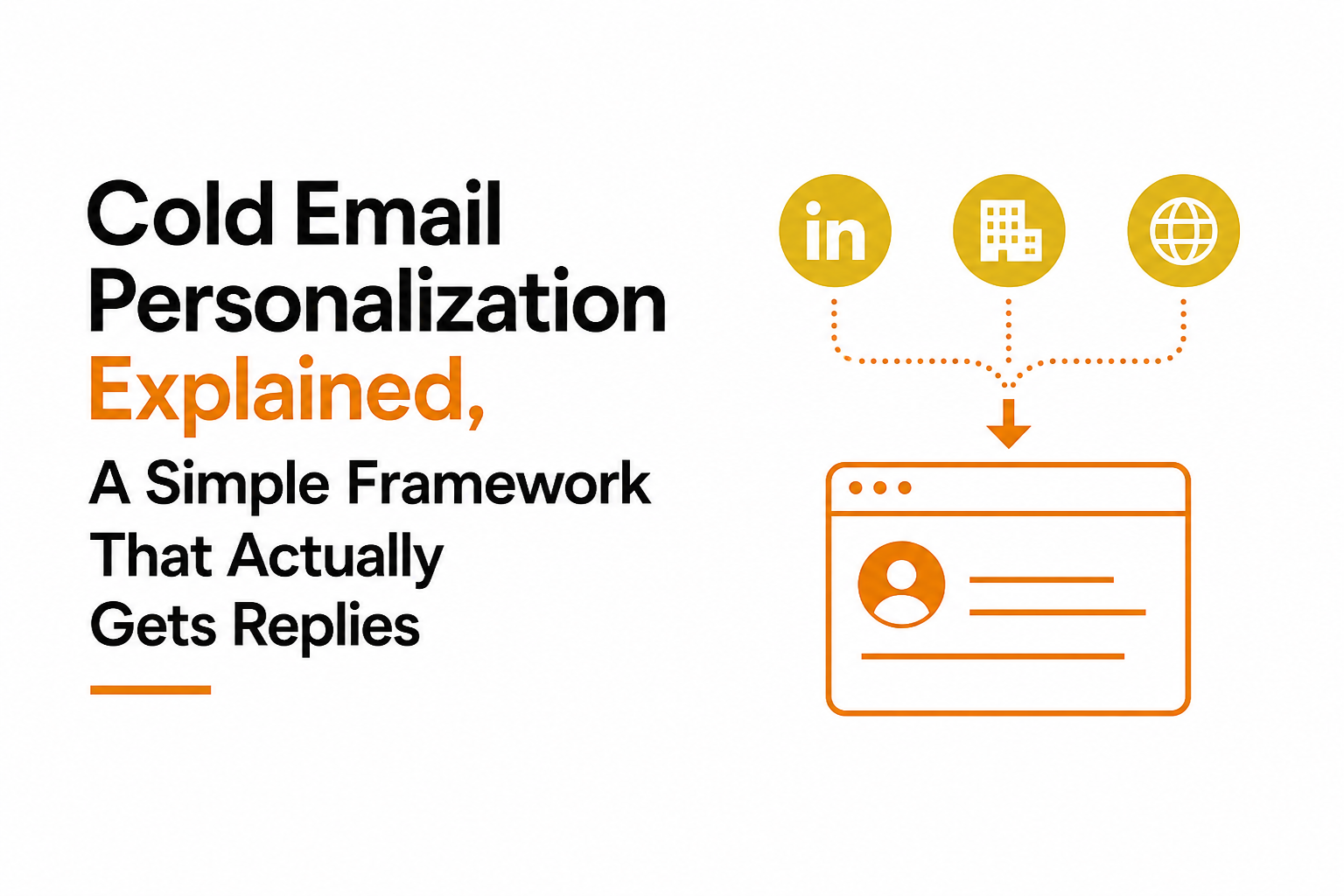
The Biggest Gap, How To Personalize At Scale Without Tanking Deliverability
The hidden failure mode of cold email personalization is thinking it only affects replies. In reality, it also affects deliverability because unique, relevant emails reduce the chances of spam complaints and low engagement patterns.
Deliverability-safe personalization checklist
List quality first: use tight icp targeting so your message is relevant before you personalize it.
Verify emails: remove invalids and risky catch-alls; bounces hurt reputation fast.
Keep uniqueness real: do not send the same paragraph with a swapped company name.
Limit links: especially in first touches; 0-1 link is a safe default.
Control volume: ramp gradually and pause if negative signals rise.
How to scale without adding hours of research
Scaling is mostly a workflow problem. Use a two-pass approach:
Pass 1 (cheap signals): collect 2-3 fields for everyone (hiring, stack, segment).
Pass 2 (selective depth): only deepen research for higher-value accounts or those that match multiple signals.
After running deliverability audits on outbound programs, the pattern was clear: teams that combined unique copy with controlled sending and clean lists avoided the “reply rate up, inboxing down” trap. If you are new to scaling, follow a beginner-safe cold outreach automation ramp rather than jumping straight to high daily volumes.
A quick benchmark to watch
Most teams track opens and replies, but for safety you should also track: bounce rate, spam complaints, and “no response but negative signals” (unsubscribes, blocks). For general deliverability best practices, Google’s sender guidelines are a solid baseline reference: Gmail sender guidelines.
How AI Changes Cold Email Personalization, Where It Helps And Where It Hallucinates
AI can make cold email personalization faster, but it can also fabricate details if you let it guess. The win is using AI for research aggregation and first drafts, then adding guardrails so every claim is verifiable.
Where AI helps most (high leverage tasks)
Summarizing public signals: turning a job post + website page into a usable observation.
Generating variants: writing 3-5 opener options so you can pick the most natural one.
Consistency at scale: keeping structure tight across hundreds of sends.
Where AI hallucinates (and how to prevent it)
AI tends to hallucinate when it is asked to be “creative” about facts. Prevent this with a strict rule: no claim without a source.
Guardrails you can apply today:
Only allow personalization lines that reference a URL, quote, or clearly public artifact.
Ban numbers unless they come from a cited source (funding amount, headcount, etc.).
Require a human review step for top accounts or regulated industries.
A practical workflow for AI-assisted personalization
Feed AI a short ICP note and your best-performing email style sample.
Provide 2-3 sources per prospect (site page, LinkedIn post, job post).
Ask for 3 opener options using the Account + Role + Trigger structure.
Approve only lines that you can verify in under 30 seconds.
If you want an example of how teams structure prompts and review loops, start with an ai tool for email writing workflow that prioritizes accuracy over “cleverness.”
Personalization level | Best for | Time per lead | What to watch |
|---|---|---|---|
Light (2 fields) | Broad testing, early campaigns | 1-2 min | Don’t let it become generic templating |
Medium (Account + Role + Trigger) | Most outbound sequences | 2-5 min | Keep triggers recent and checkable |
Deep (multi-source narrative) | High ACV, named accounts | 10-20 min | Avoid “creepy” details and stale references |
Frequently asked questions
How much cold email personalization is enough?
A good baseline is 2 sentences: one verifiable observation plus one implication tied to the recipient’s role. If you cannot justify “why you, why now” in those lines, add a better signal, not more words.
What is the fastest signal to personalize with?
Hiring signals are usually the fastest and most reliable: roles posted, locations, and tools mentioned in job descriptions. They are public, recent, and strongly connected to priorities.
Does personalization hurt deliverability?
Done correctly, it usually helps because emails are more unique and get better engagement. Deliverability issues typically come from poor list quality, high bounce rates, and repeating the same template across large volumes.
Can AI do cold email personalization end-to-end?
AI can research and draft quickly, but you still need guardrails: only use claims you can verify, avoid fabricated metrics, and review top accounts. Treat AI as a speed layer, not a truth layer.
If you want to apply this framework without spending hours on research, Outbound Glow helps automate the research and first-draft process while keeping emails unique and reviewable, so you can scale cold email personalization without sacrificing accuracy or domain safety.

Written by Leah Nguyen
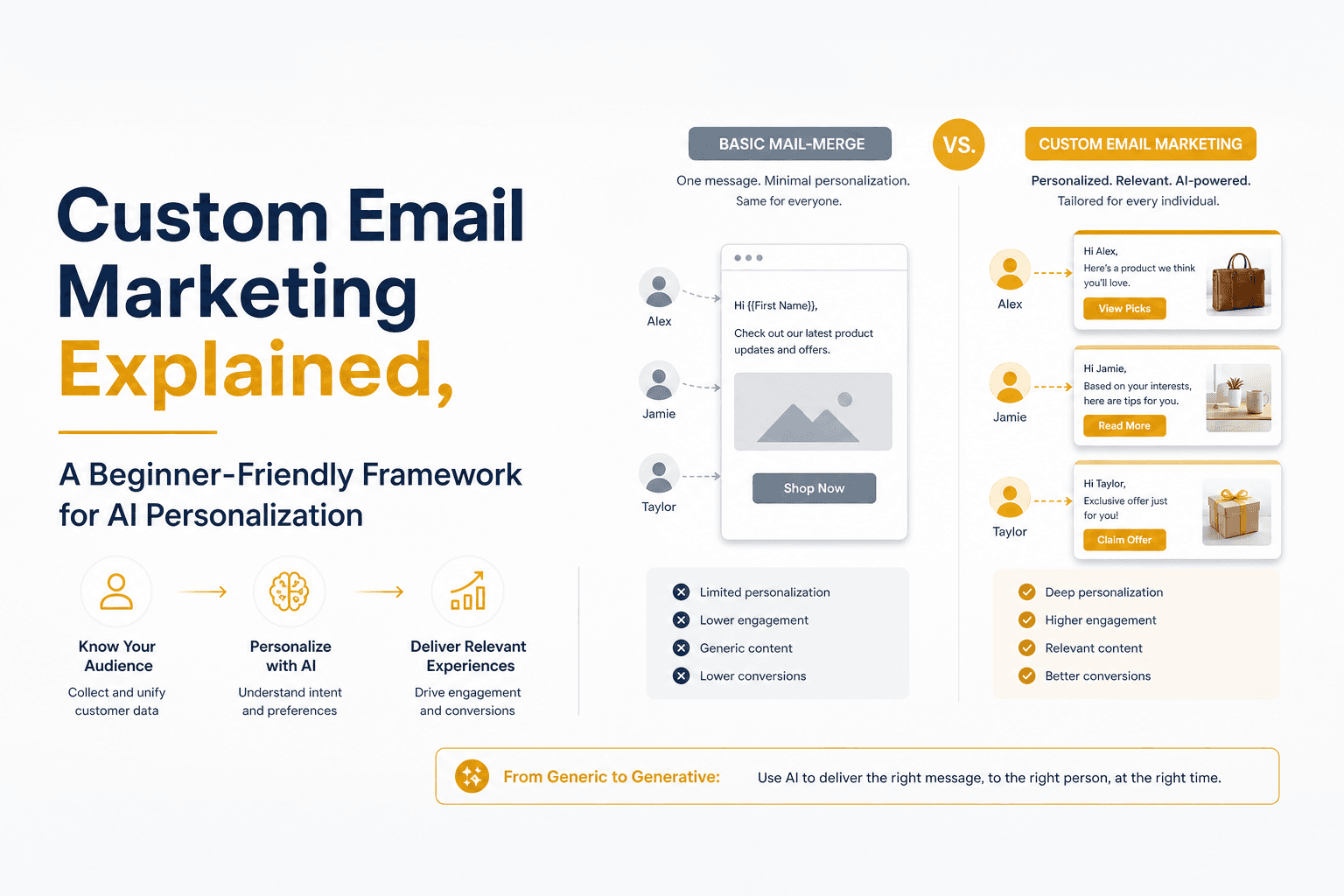
Custom Email Marketing Explained, A Beginner-Friendly Framework for AI Personalization In 2026

AI for Email Marketing, A Practical Workflow for Free Tools, Prompts, and Automation
Practical AI usage for email marketing workflow: map use cases, draft safely with prompts, automate triggers, measure revenue lift, and protect deliverability.
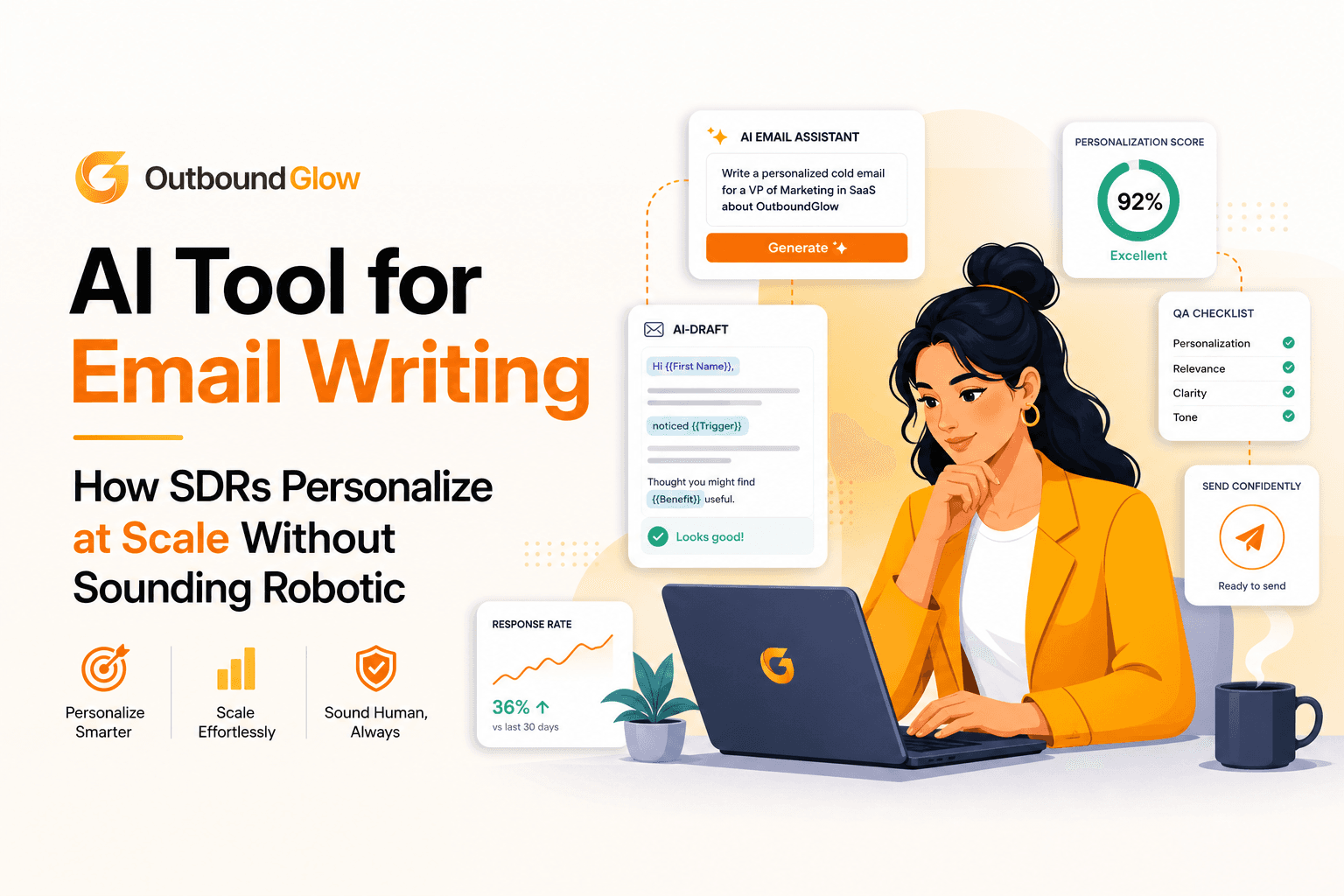
AI Tool for Email Writing How SDRs Personalize at Scale Without Sounding Robotic
Learn how SDRs choose an ai tool for email writing, personalize by industry, QA for deliverability, and measure lift with a 30-minute workflow.